Virtual Hosts
- Once the DNS directs traffic to the correct server, the web server configuration determines how the incoming requests are handled.
- EG of web servers: Apache, Nginx, IIS
- These web servers host multiple websites or apps on a single server
- This is done through
virtual hosting-VHosts- Web servers distinguish between multiple websites or apps sharing the same IP address using the
HostHTTP header
- Web servers distinguish between multiple websites or apps sharing the same IP address using the
-
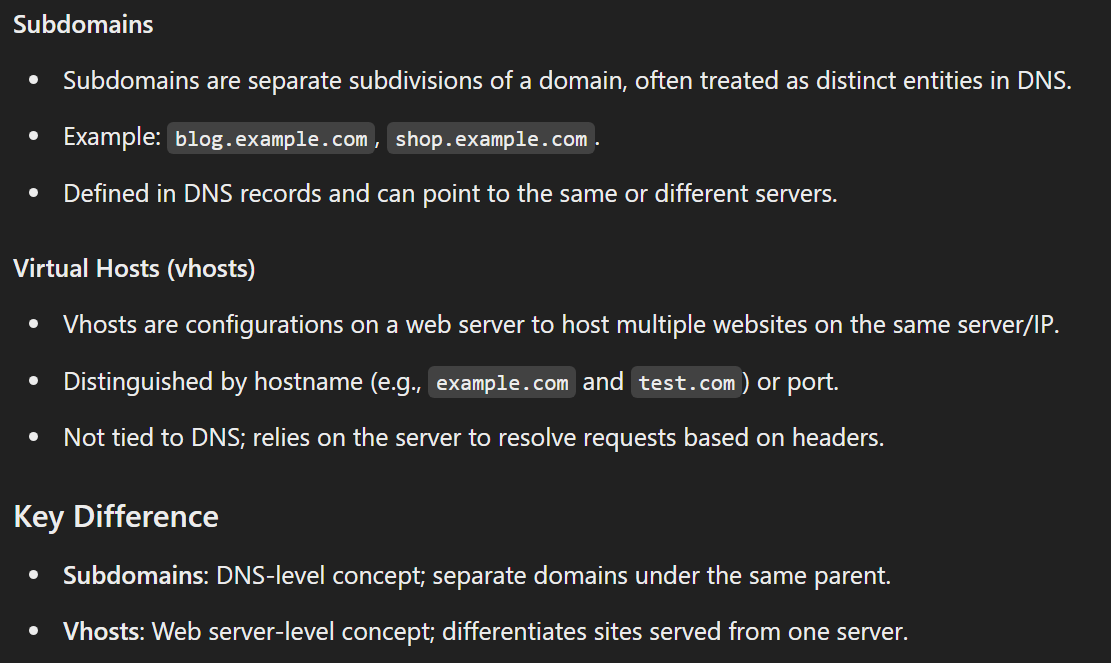
-
Subdomains: DNS-level concept; separate domains under the same parent.
- Vhosts: Web server-level concept; differentiates sites served from one server.
- The
/etc/hostsfile allows you to bypass the DNS config - There will be domains that are available only internally in a system.
VHost fuzzingis a technique to discover public and non-publicsubdomainsandVHostsby testing various hostnames against a known IP address.
Types of VHosting:
- Name Based -
HostHTTP header - IP based - Client sends the IP in the destination field (replaced by Name Based)\
- Port Based - Send port number in the request URL.
Commands:
- tools will probe the target server to uncover potential vhosts.
gobuster,feroxbuster.ffuf
GoBuster:
gobuster vhost -u http://<target_IP_address>:<port> -w /opt/SecLists/Discovery/DNS/subdomains-top1million-5000.txt --append-domain-t <number>- Usenumberof threads-k- Ignore SSL/TLS certificate errors-o- Save the output
ffuf -u 'http://ghost.htb' -H 'Host: FUZZ.ghost.htb' -w /opt/SecLists/Discovery/DNS/subdomains-top1million-5000.txt -mc all -fs 7676gobuster dns -r 10.10.11.14 -d ghost.htb -w /opt/SecLists/Discovery/DNS/subdomains-top1million-5000.txt