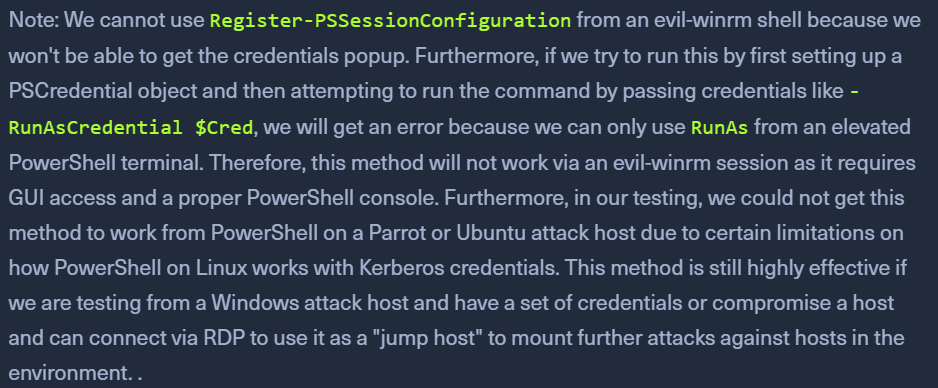
- happens when an attacker attempts to use Kerberos auth across two or more hops
- TGT are granted for specific resources
- they are not passwords (NTLM hashes can be used multiple times)
- EXPLAINED
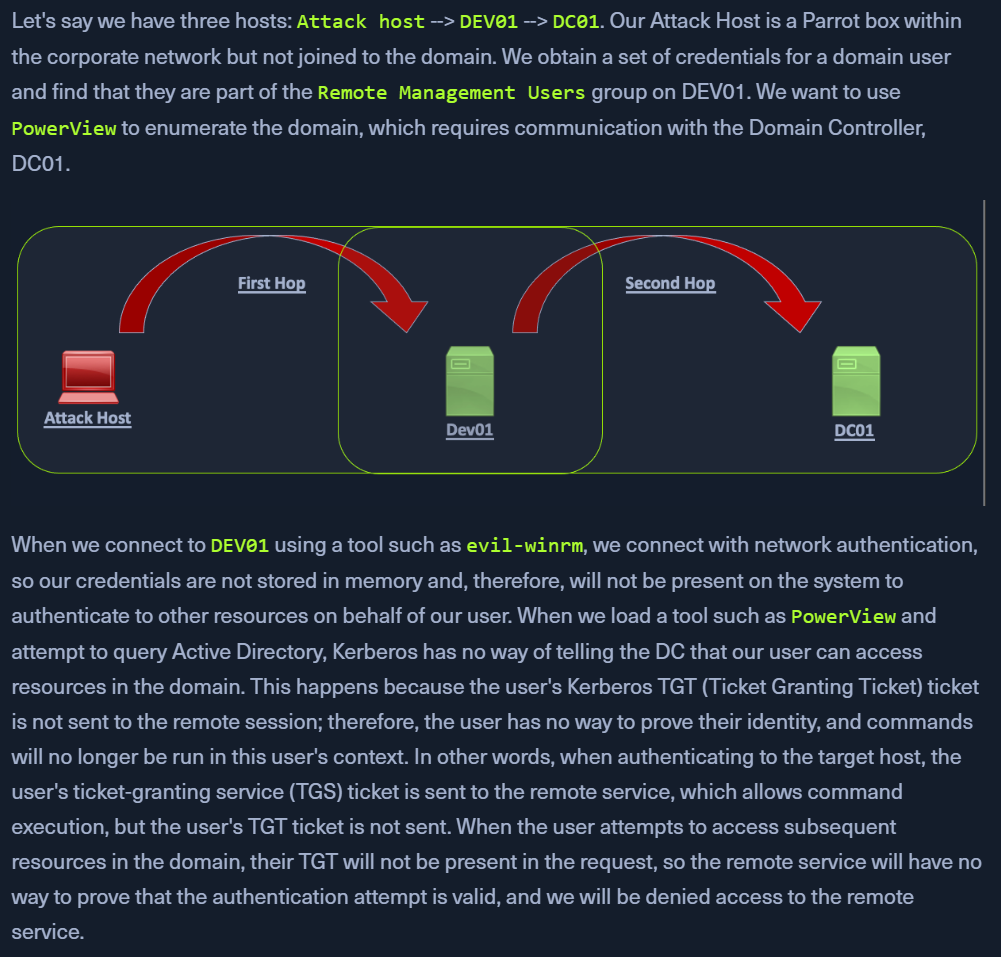
- This happened when we were trying sharphound.exe from
evil-WinRM.
- Using crackmapexec/smb will not have this issue
PSExec, using the NTLM hash - uses SMB or LDAP. Both store NTLM hash in memoryWinRM or PSSession through powershell will not store users hash in memory
- subsequent requests to the DC will not contain the users' hash and hence kerberos wont be able to verify the user
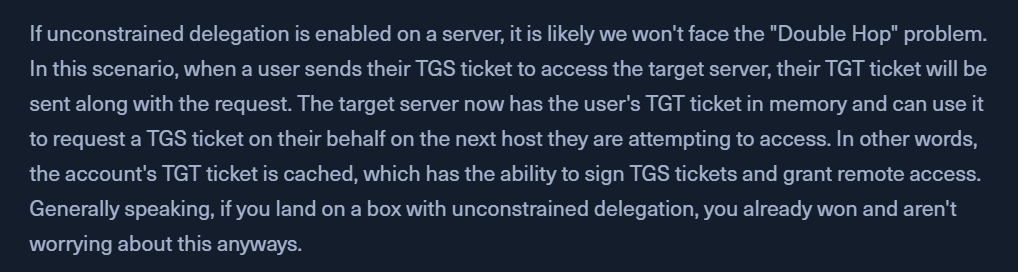
Workaround
- https://posts.slayerlabs.com/double-hop/
1. PSCredential Object
- Connect to a remote host with domain creds (
backupadm) using evil-winrm
Import-Module .\PowerView.ps1get-domainuser -spn
- provides an error as the required password is not cached
klist
- confirm that the krbtgt is not present
$bupass = ConvertTo-SecureString '!qazXSW@' -AsPlainText -Force$buCred = New-Object System.Management.Automation.PSCredential('INLANEFREIGHT\backupadm', $SecPassword)get-domainuser -spn -credential $Cred | select samaccountname
- Now this command works because of the
-Credential flag
klist
- now we have more tickets cached
2. Register PSSession Configuration
- connecting to a target via WinRM using the
Enter-PSSession cmdlet
Enter-PSSession -ComputerName ACADEMY-AEN-DEV01.INLANEFREIGHT.LOCAL -Credential inlanefreight\backupadm
Import-Module .\PowerView.ps1get-domainuser -spn | select samaccountname
Register-PSSessionConfiguration -Name backupadmsess -RunAsCredential inlanefreight\backupadm
- Register a new session configuration
Restart-Service WinRM
- kicks us out of our current session as the service is started again
Enter-PSSession -ComputerName DEV01 -Credential INLANEFREIGHT\backupadm -ConfigurationName backupadmsess
- Use
-ConfigurationName as provided above
get-domainuser -spn | select samaccountname
- this works without the use of a
-Credential object