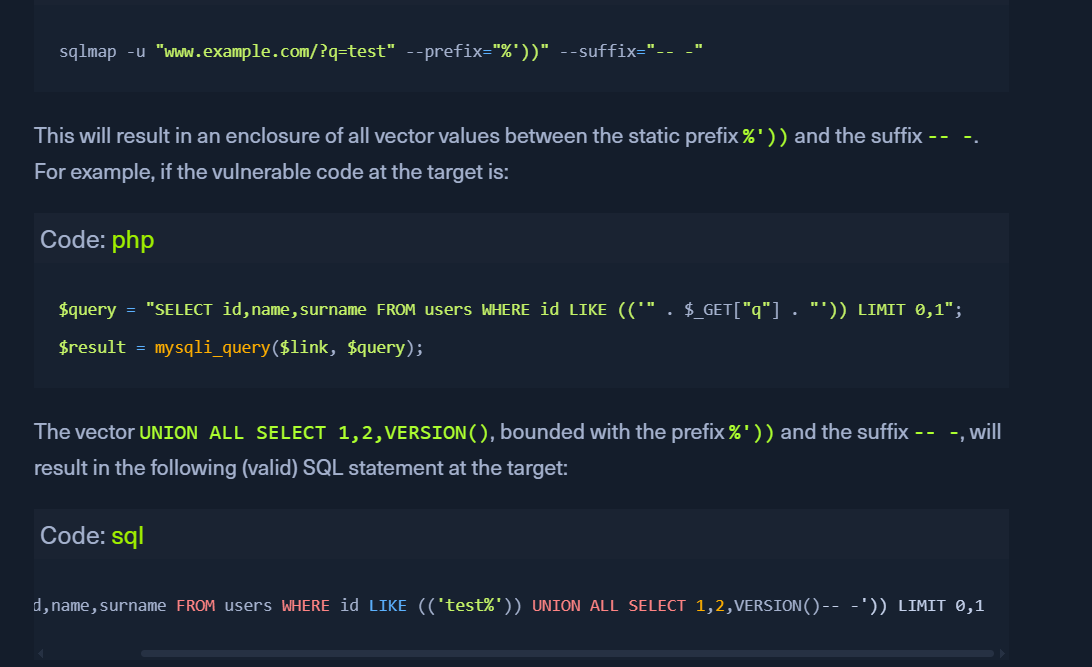
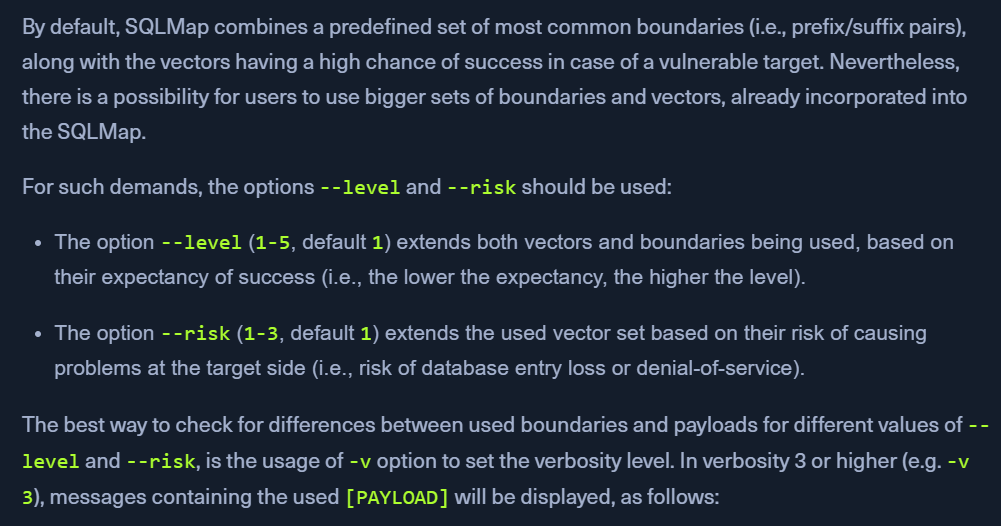
usually Login pages require higher risk and level as OR payloads are involved
Advanced Tuning
Status codes
--code=200 means that a 200 response should be considered as TRUE.
this is helpful when the target responds with a lot of TRUE FALSE and 200, 400, 500 response codes
Titles
difference in response can be seen using the HTTP page titles.
--titles <title> can be used to instruct the detection mechanism to base the comparison based on the content of the HTML tag <title>
Strings
In case when the page responds with a specific string value SUCCESS only when the response is TRUE, --string=SUCCESS can be used.
Text-only
When dealing with a lot of hidden content, such as certain HTML page behaviors tags (e.g. <script>, <style>, <meta>, etc.), we can use the --text-only switch, which removes all the HTML tags, and bases the comparison only on the textual (i.e., visible) content.
Techniques
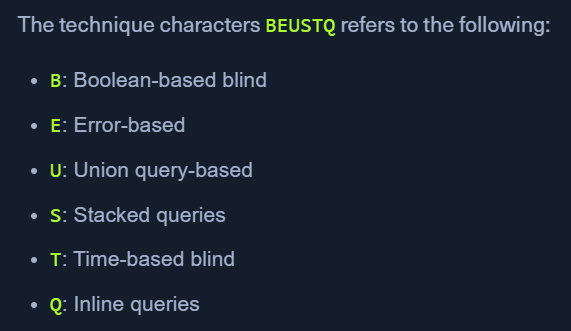
if we want to skip the time-based blind and stacking SQLi payloads and only test for the boolean-based blind, error-based, and UNION-query payloads, we can specify these techniques with --technique=BEU.