Splunk
- log analytics tool to gather, analyze and visualize data
- not originally intended as a SIEM tool, it is used for security monitoring and business analytics
- splunk deployments contain sensitive data
CVE-2018-11409&CVE-2011-4642- https://www.cvedetails.com/vulnerability-list/vendor_id-10963/Splunk.html- https://splunkbase.splunk.com/
Discovery
- usually seen on internal pentests
- Splunk server runs on port 8000 & 8089 -
Splunkd httpd - runs as ROOT on Linux and SYSTEM on Windows
- eg:
- Let's imagine that we uncover a forgotten instance of Splunk in our Aquatone report that has since automatically converted to the free version, which does not require authentication. Since we have yet to gain a foothold in the internal network, let's focus our attention on Splunk and see if we can turn this access into RCE.
- main avenue of attack: weak or null authentication
- older version have
admin:changeme - latest version sets credentials during the installation process.
- older version have
Enum
- trial version is converted to free in 60 days
- imagine a sysadmin got the trial version and forgot about it
- after 60 days, itll turn to the free version that does not have authentication.
- after 60 days, itll turn to the free version that does not have authentication.
- Manually go to the pages:
https://10.129.201.50:8000/en-US/app/launcher/homehttps://10.129.201.50:8000/en-US/account/login?return_to=%2Fen-US%2F
- might reveal the version and take you to the home page
Attacking
- we can gain remote code execution on Splunk by creating a custom application to run Python, Batch, Bash, or PowerShell scripts
- target is a windows server as we saw IIS, 445
- For Network tools, look for notifications - these can allow scripts, cmd execution.
- Splunk comes with Python installed
- for our example: we can use a python or powershell script to get RCE
Abusing Built-in functionality
- use this splunk package - https://github.com/0xjpuff/reverse_shell_splunk
- the
bindirectory contains python and ps examples
- the
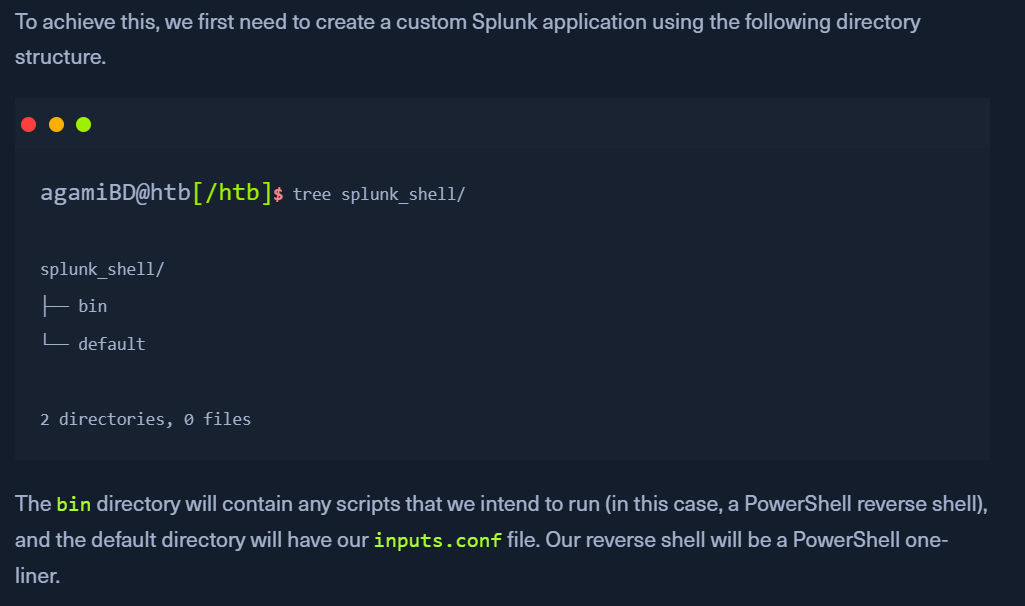
- Create a custom splunk application as in above image
- copy the
rev.py,run.ps1,run.batfile to/bindirectory- update the
rev.pyrun.ps1files to include the attacker ip:port
- update the
- add the following to
inputs.confin/default-https://docs.splunk.com/Documentation/Splunk/latest/Admin/Inputsconf
- copy the
- we need the
.batfile, which will run when the application is deployed and execute the PowerShell one-liner. tar -cvzf updater.tar.gz splunk_shell/- create a tarball or a
.splfile
- create a tarball or a
- In the Splunk console, Click on
Install app from file - Start a netcat listener.
- Upload the application on the
Splunk Console - we should get a reverse shell back
- if a windows host,
run.ps1will be used. if a linux host,rev.pywill be used. 
- NOTE: If the compromised Splunk host is a deployment server, it will likely be possible to achieve RCE on any hosts with Universal Forwarders installed on them. To push a reverse shell out to other hosts, the application must be placed in the
$SPLUNK_HOME/etc/deployment-appsdirectory on the compromised host. In a Windows-heavy environment, we will need to create an application using a PowerShell reverse shell since the Universal forwarders do not install with Python like the Splunk server.