IIS Tilde
- IIS tilde directory enumeration is a technique to uncover hidden files, directories, and short file names (aka the
8.3 format) on some versions of IIS web servers. - When a file or folder is created on an IIS server, Windows generates a short file name in the
8.3 format, consisting of eight characters for the file name, a period, and three characters for the extension. Intriguingly, these short file names can grant access to their corresponding files and folders, even if they were meant to be hidden or inaccessible. - the tilde char
~with a sequence number means short file name (8.3) in a URLPOO_CO~1.txt- means file name is longer than 8 chars, we can fuzz to find the actual file name.- Hence, if we determine a file or folder's short file name, we can exploit the tilde character and the short file name in the URL to access sensitive data or hidden resources.
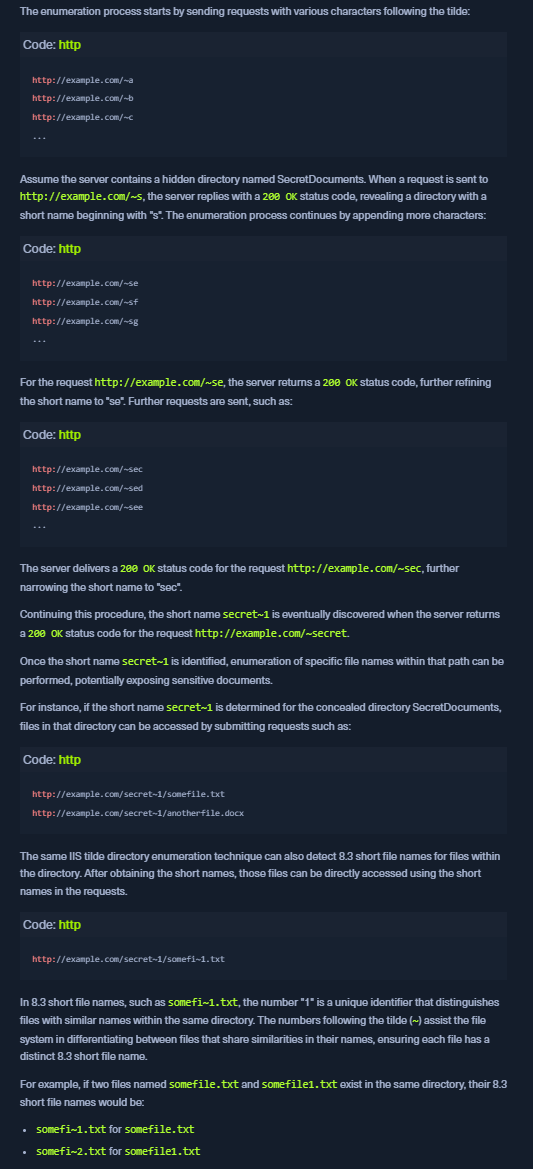
Tilde Enum
- HTB SUGGESTED - IIS-ShortName-Scanner. To use
IIS-ShortName-Scanner, you will need to install Oracle Java on either Pwnbox or your local VM. Details can be found in the following link. How to Install Oracle Javajava -jar iis_shortname_scanner.jar 0 5 http://10.129.204.231/
WE WILL USE SHORTSCAN - https://github.com/bitquark/shortscan
cd /opt/shortscansudo go run cmd/shortscan/main.go http://URL- It will try to identify the file name as well
- If not:
- eg: it identified
Transf~1.txt 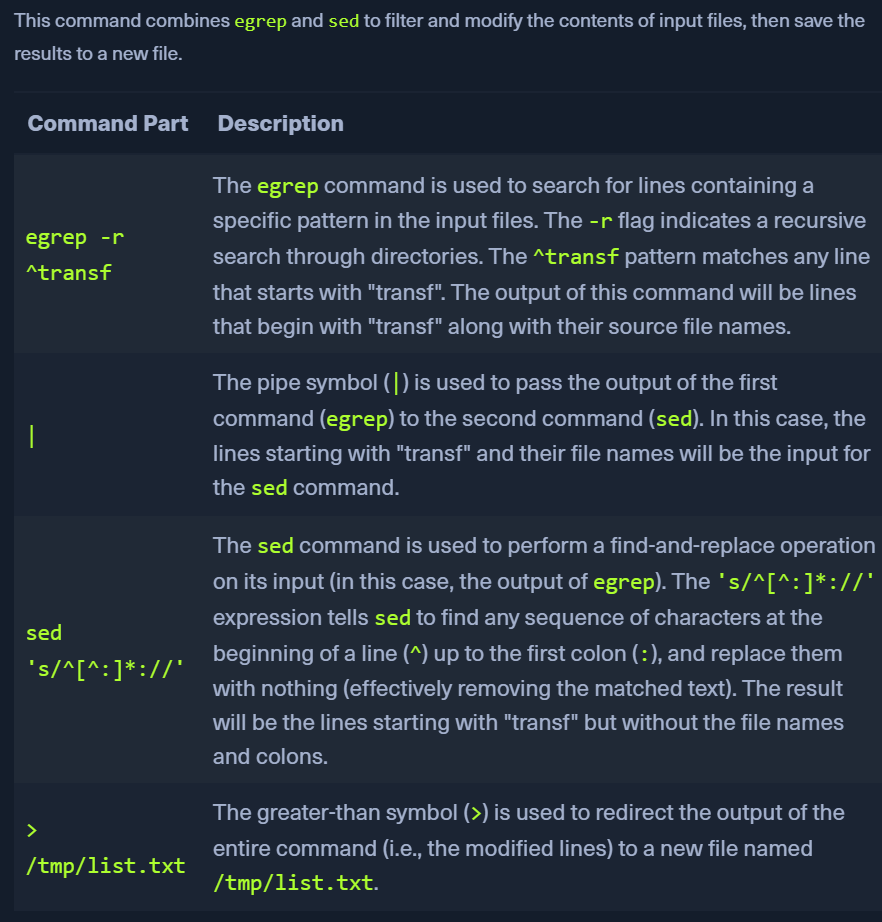
- Gobuster to enumerate the directory/filename using the custom file created above
gobuster dir -u http://10.129.204.231/ -w /tmp/list.txt -x .txt