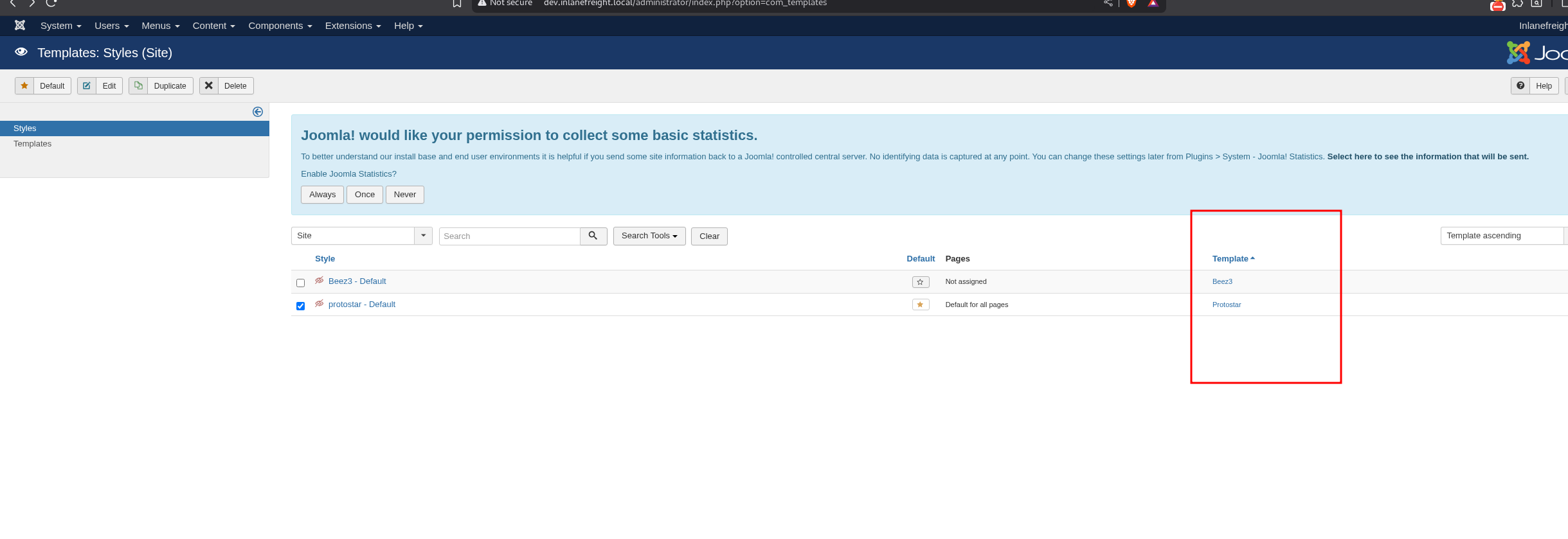
if you see ERRORS, go to "http://dev.inlanefreight.local/administrator/index.php?option=com_plugins" and disable the "Quick Icon - PHP Version Check" plugin
go to templates from Home
Click on a template name
Finally, we can click on a page to pull up the page source.
Note:
use non-standard file names and parameters for our web shells to not make them easily accessible to a "drive-by" attacker during the assessment.
We can also password protect and even limit access down to our source IP address.
Also, we must always remember to clean up web shells as soon as we are done with them but still include the file name, file hash, and location in our final report to the client.
add the system() GET php shell with an unusual parameter name to the error.php file.