Escaping Restricted Shells
- limits users ability to execute commands.
- only a specific set of commands allowed in specific directories.
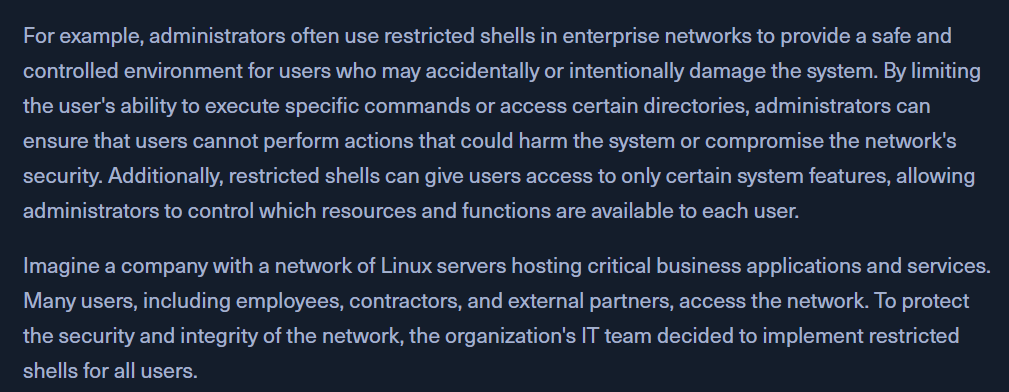
RBash
- Restricted Bourne Shell
- restricts changing directories, setting or modifying environment variables, and executing commands in other directories
RKSH
- Restricted korn shell
- restricts executing commands in other directories, creating or modifying shell functions, and modifying the shell environment.
RZSH
- Restricted Z shell
- restricts running shell scripts, defining aliases, and modifying the shell environment.
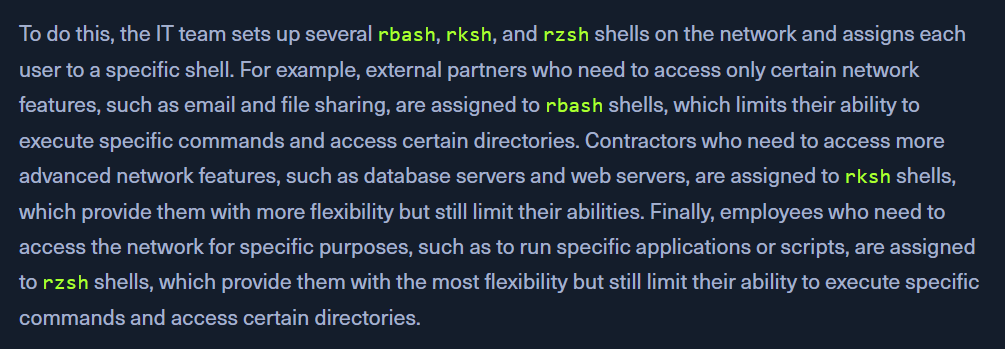
Escaping
- suppose the shell allows users to execute commands by passing them as arguments to a built-in command. In that case, it may be possible to escape from the shell by injecting additional commands into the argument.
Command Injection
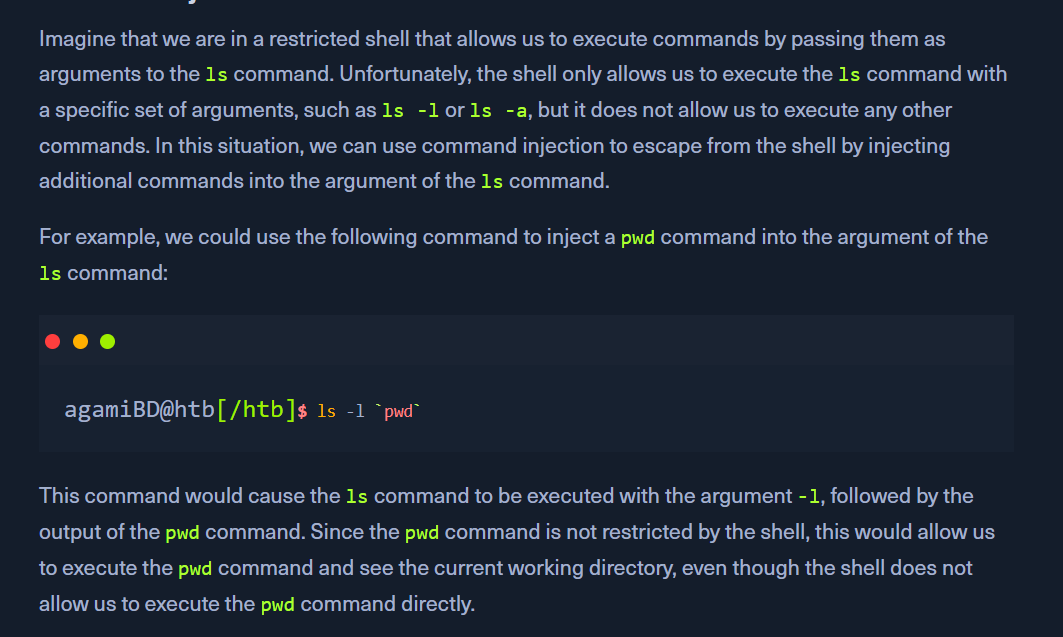
Command Substitution
- eg a restricted shell allows commands to be executed if they have backticks(`)
- we can execute the command with a backtick substitution that isnt retricted
Command Chaining
- use multiple commands separated using
; |
Env Variables
- eg if a shell uses an env variable to specify the directory in which commands are executed.
- we can modify the variable to our desired directory
Shell functions
- eg the shell allows users to define and call shell functions, it may be possible to escape from the shell by defining a shell function that executes a command.
- Rbash doesnt allow
/backtickscatlscd - allows to set variables,
echo - we have to read the
flag.txtfile possibly in the same directory echo "$(<flag.txt)"
To escape a restricted shell, the primary method involves abusing specific binaries, applications, or misconfigurations that allow you to spawn an unrestricted shell (like /bin/bash or /bin/sh). The community resource HackTricks provides an extensive guide on these methods.
Common Escape Techniques
The primary strategy is to use commands that inherently allow the execution of other programs or have interactive modes.
- SSH Flags: If you can access the system via SSH, you might be able to request a specific, unrestricted shell directly using flags:
- This works by forcing the connection to allocate a pseudo-terminal and execute the specified command instead of the default restricted shell.
- Text Editors (Vi/Vim): If
viorvimis available, you can use built-in commands to escape:- Open
viorvim. - Once inside the editor, type
:set shell=/bin/bash(or/bin/sh) and press Enter. - Then type
:shelland press Enter to spawn the new shell.
- Open
- Pagers (More/Less/Man): Commands like
more,less, ormanoften allow shell escapes:- When viewing a file, type
!followed by the shell command (e.g.,!/bin/shor!bash). - If successful, this drops you into an unrestricted shell.
- When viewing a file, type
- GTFOBins: This is a community-curated list of Unix binaries that can be abused to bypass local security restrictions, including restricted shells. You can check if any available commands are listed on the GTFOBins website. Search for commands you have access to (e.g.,
nmap,awk,find,perl,python) to find specific escape payloads. - Environment Variables: Check if you can modify the
PATHorSHELLenvironment variables. If they are not read-only, you can potentially update them to point to an unrestricted shell binary.
Initial Reconnaissance
Before attempting to escape, it is crucial to perform reconnaissance to understand the limitations:
- Check available commands (ls, echo, printenv).
- Identify the current shell with echo $SHELL or echo $0.
- Determine available programming languages (perl, python, ruby).
- Check sudo permissions using sudo -l to see which commands you can run as root.
For detailed methodologies and updated techniques, the HackTricks Escaping from Jails page is an excellent resource.