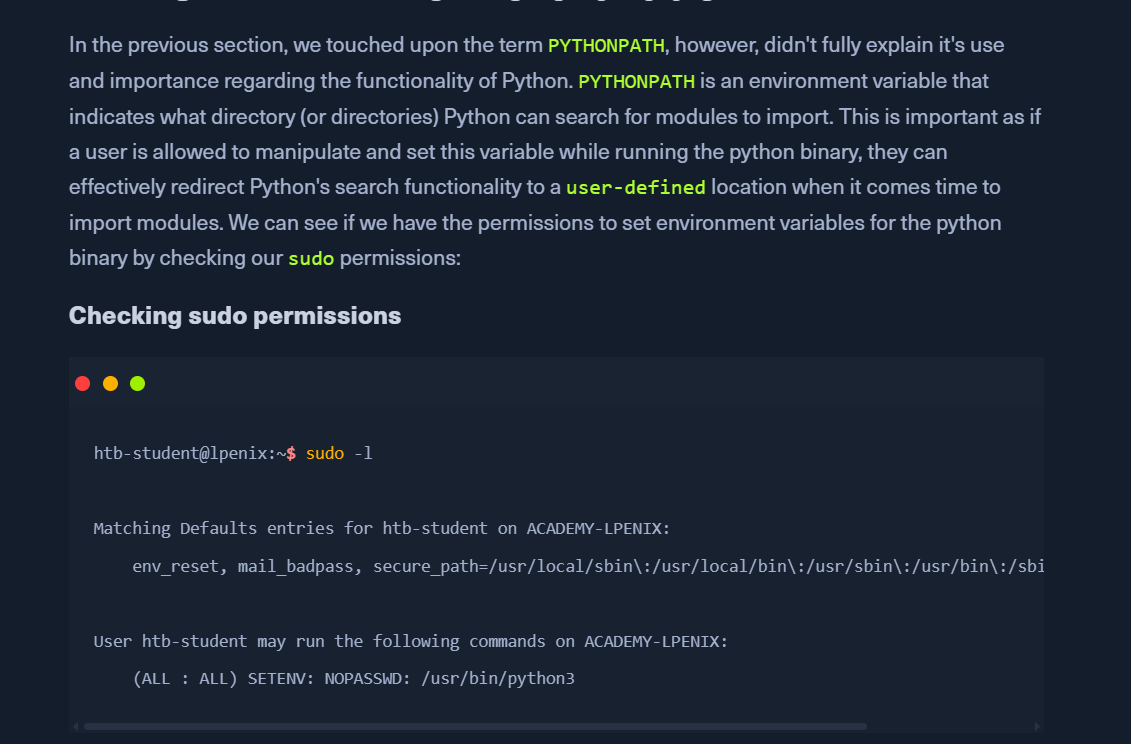
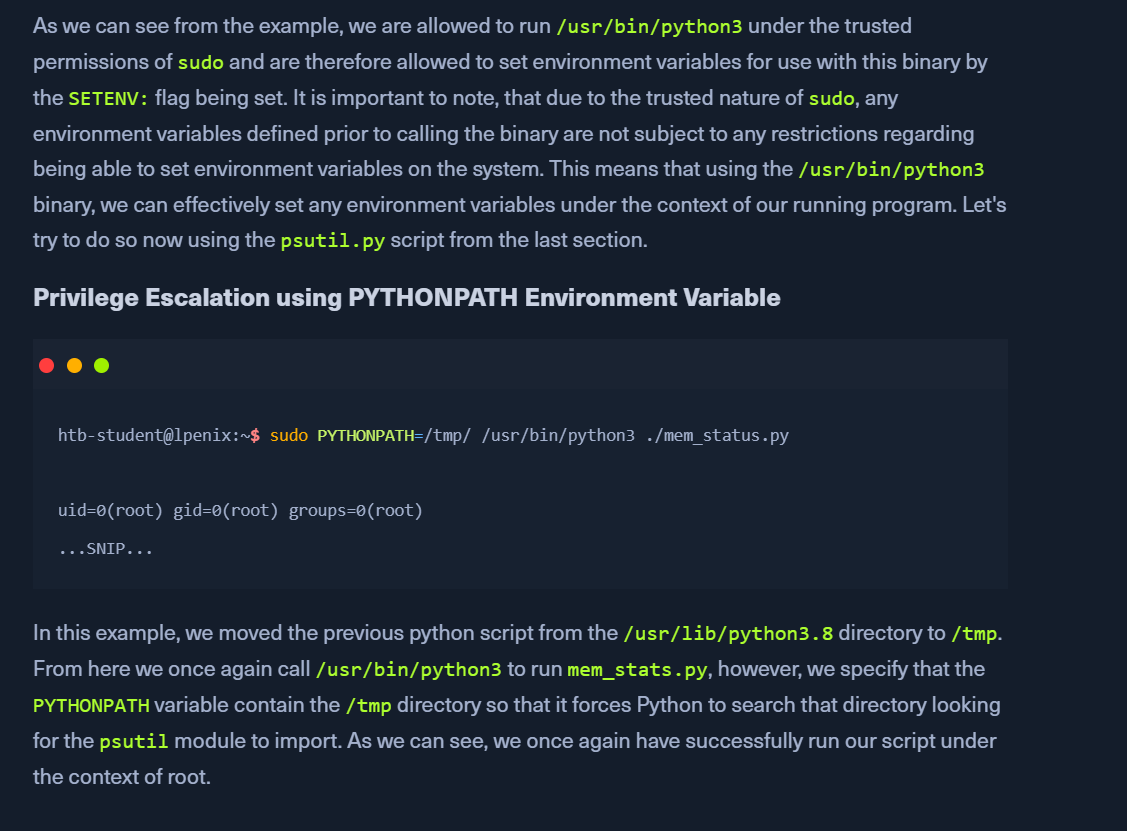
Python Library Hijacking
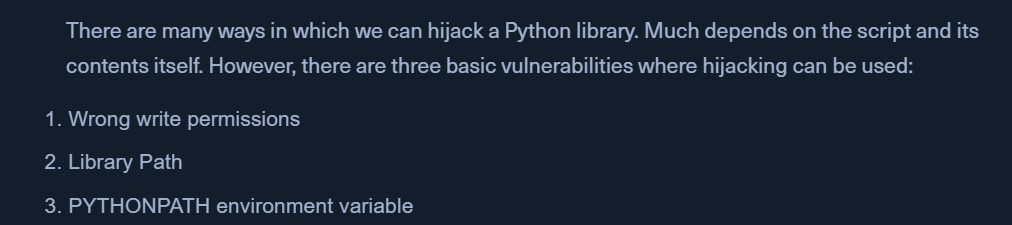
Wrong Write Permissions
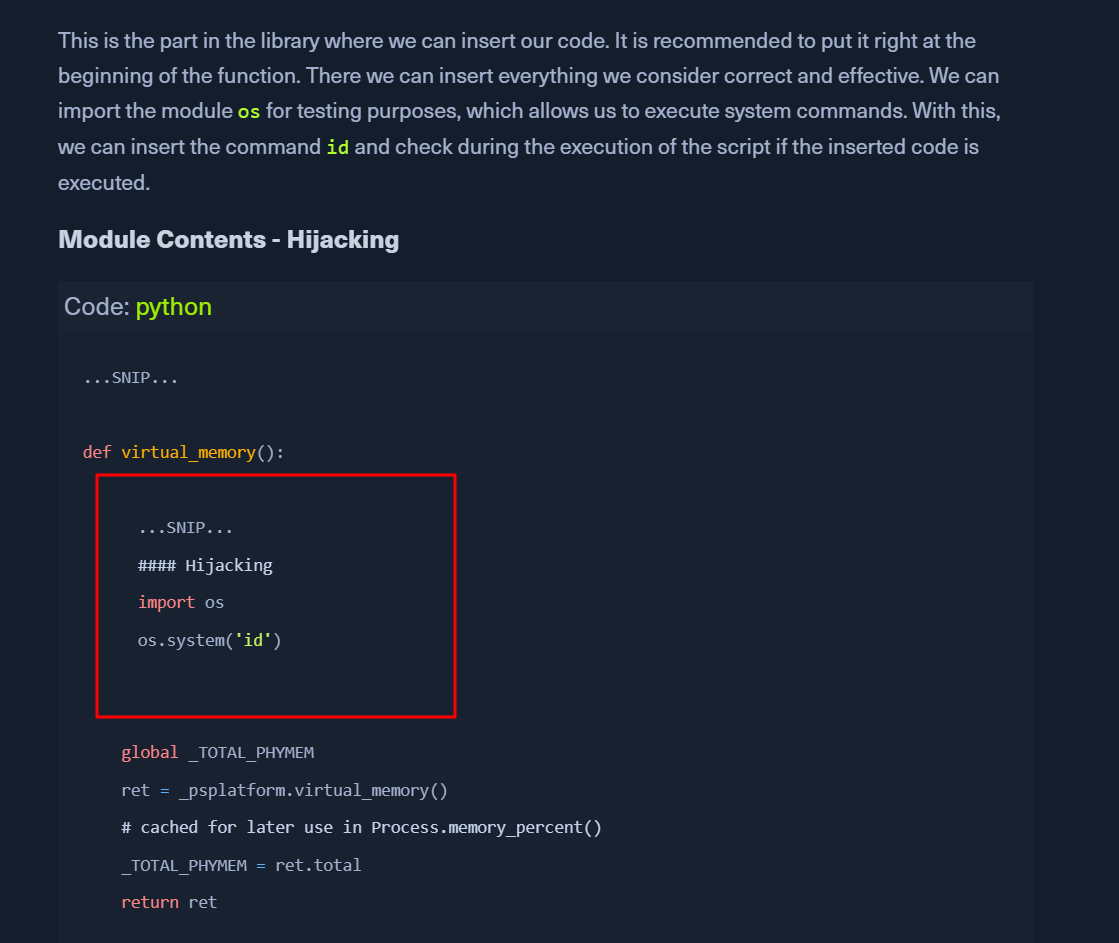
- we have a total of three components that are connected. This is the actual python script that imports a python module and the privileges of the script as well as the permissions of the module.

- Check for SUID/SGID bit
ls -l mem_status.py
- check access to the script
- we can read the script
- it imports psutil and uses the virtual_memory() function
- look for the psutil module
grep -r "def virtual_memory" /usr/local/lib/python3.8/dist-packages/psutil/*
- check files for write permission
ls -l /usr/local/lib/python3.8/dist-packages/psutil/__init__.py
- find the virtual_memory()
- run the script
sudo /usr/bin/python3 ./mem_status.py
Library Path
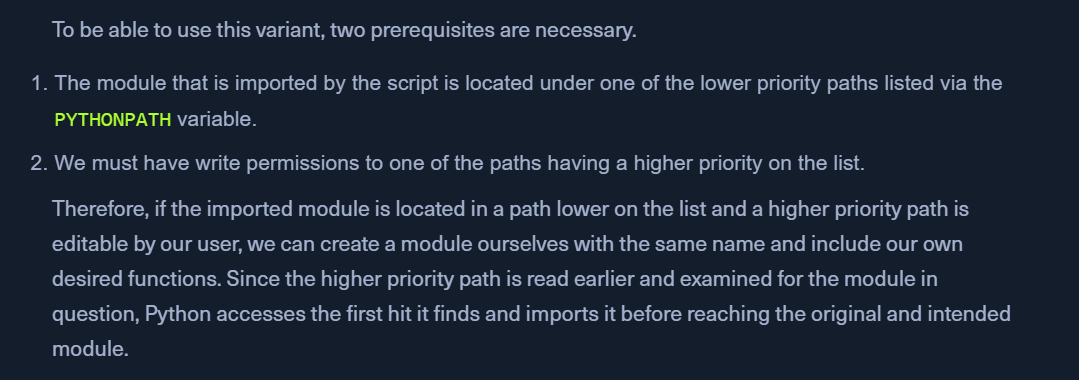
- versions have specified ways in which libraries/modules are searched
- paths higher on the list take priority over the lower ones
- pythonpath listing
python3 -c 'import sys; print("\n".join(sys.path))'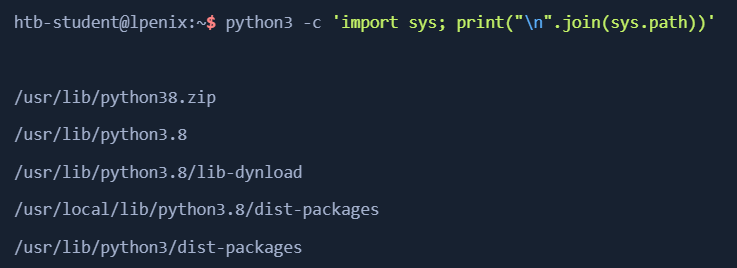
- read the script
- imports psutil and runs the virtual_memory() function
- psutil default installation location
pip3 show psutilLocation: /usr/local/lib/python3.8/dist-packages
- psutil is stored lower than 3-4 directories
- check if we have write access to any of the above dirs from PYTHONPATH listing
ls -la /usr/lib/python3.8- we have access to
/usr/lib/python3.8
- create a psutil.py file with the required function
- the file name must match the
importname and the function name.
- the file name must match the
- run the binary again
sudo /usr/bin/python3 mem_status.py