Fully compromising the host may gain us access to sensitive files/file shares, grant us the ability to capture traffic to obtain more credentials, or obtain credentials that can help further our access or even escalate directly to Domain Admin in an Active Directory environment.
Knowing the above standard processes, we can look for non-standard processes/services
eg: FileZilla FTP server would be an interesting target to look for public vulnerabilities or misconfigs such as FTP access.
eg: MsMpEng.exe , Windows Defender, are interesting because they can help us map out what protections are in place on the target host that we may have to evade/bypass.
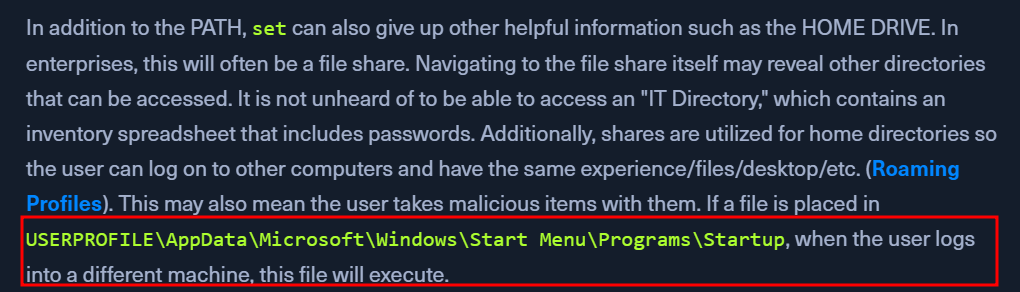
Display All Environment Variables
set
displays all env variables
look at PATH, check if we have write access to modify it
eg: place Python, JAVA in that path to allow execution of python or .jar files
If the folder placed in the PATH is writable by your user, it may be possible to perform DLL Injections against other applications. Remember, when running a program, Windows looks for that program in the CWD (Current Working Directory) first, then from the PATH going left to right. This means if the custom path is placed on the left (before C:\Windows\System32), it is much more dangerous than on the right.
View Detailed Configuration Information
systeminfo
shows if a box is patched recently and if it is a VM
if not patched, google the KBs (present in systeminfo output) installed under https://www.catalog.update.microsoft.com/Search.aspx?q=hotfix
Patches and Updates
if systeminfo does not display hotfixes
wmix qfe
Get-HostFix | ft -AutoSize
Installed Programs
wmix product get name
Get-WmiObject -Class Win32_Product | select Name, Version
Display Listening ports and Running Processes
netstat -ano
if port 8080 is open, note down the pid in the last column of netstats output
tasklist /svc | find <pid>
User & Group Information
Logged-in users
query user
Current User
echo %USERNAME%
whoami
Suppose we gain access as a service account (SYSTEM).
In that case, we may have privileges such as SeImpersonatePrivilege, which can often be easily abused to escalate privileges using a tool such as Juicy Potato.
Current User privileges
whoami /priv
Current User Group Info
whoami /groups
did our user inherit something interesting? are they privileged in the AD domain env?
Get Other Users
net user
if we rdp'd into a host using creds for bob and we see another bob_adm user, we can try credential re-use
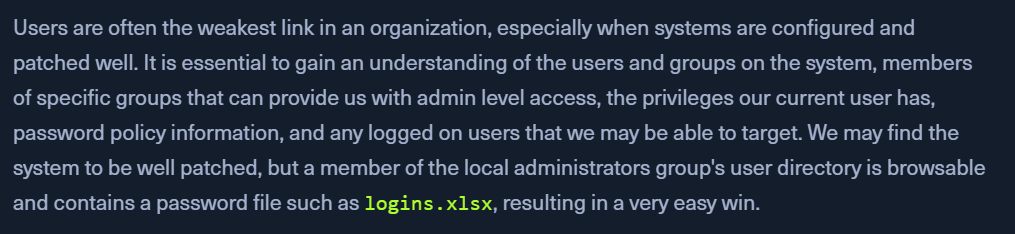
Can we access the user profile directory for any important users? We may find valuable files such as scripts with passwords or SSH keys in a user's Desktop, Documents, or Downloads folder.
Get All Groups
net localgroup
looking for non-standard groups - their misconfigurations