SQL 101
mysql -u root -h docker.hackthebox.eu -P 3306 -p- Enter password in the next line
- default MySQL/MariaDB port is (3306)
Basic Commands
CREATE DATABASE users;SHOW DATABASES;USE users;- Create a table named logins:
SHOW TABLES;DESCRIBE logins;- describe a table and see the attributes
INSERT INTO table_name VALUES (id, name, year);- if id, year are auto populated, we can decide to fill the user-input required values only
INSERT INTO table_name(column2, column3, ...) VALUES (column2_value, column3_value, ...);INSERT INTO logins(username, password) VALUES ('john', 'john123!'), ('tom', 'tom123!');- will insert 2 values at once
SELECT column1, column2 FROM table_name;DROP TABLE logins;- remove tables
ALTER will change properties/attributes:
ALTER TABLE logins ADD newColumn INT;- add column to a tableALTER TABLE logins RENAME COLUMN newColumn TO newerColumn;ALTER TABLE logins MODIFY newerColumn DATE;- change column typeALTER TABLE logins DROP newerColumn;
UPDATE will change records in a table:
UPDATE logins SET password = 'change_password' WHERE id > 1;
Query Results
SORTING Results
SELECT * FROM logins ORDER BY password;SELECT * FROM logins ORDER BY password DESC;- default is ASC (ascending)
SELECT * FROM logins ORDER BY password DESC, id ASC;
LIMIT
SELECT * FROM logins LIMIT 2;- see only 2 recordsSELECT * FROM logins LIMIT 1, 2;- offset index 1 to 2. index starts from 0
WHERE
SELECT * FROM logins WHERE id > 1;SELECT * FROM logins where username = 'admin';
LIKE
SELECT * FROM logins WHERE username LIKE 'admin%';SELECT * FROM logins WHERE username like '___';- 3 underscores means 3 chars of any type.
SQL Operators
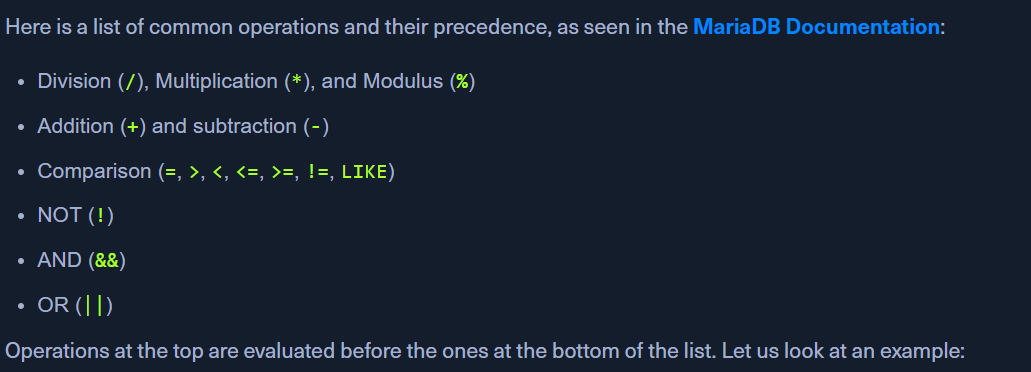
AND - &&
- eg:
SELECT 1 = 1 AND 'test' = 'test';
OR - ||
SELECT 1 = 1 OR 'test' = 'abc';
NOT - !
SELECT NOT 1 = 1;
in queries:
SELECT * FROM logins WHERE username != 'john' AND id > 1;