ENUM is the key - helper scripts (such as LinPEAS and LinEnum)
OS version, kernel version, running services
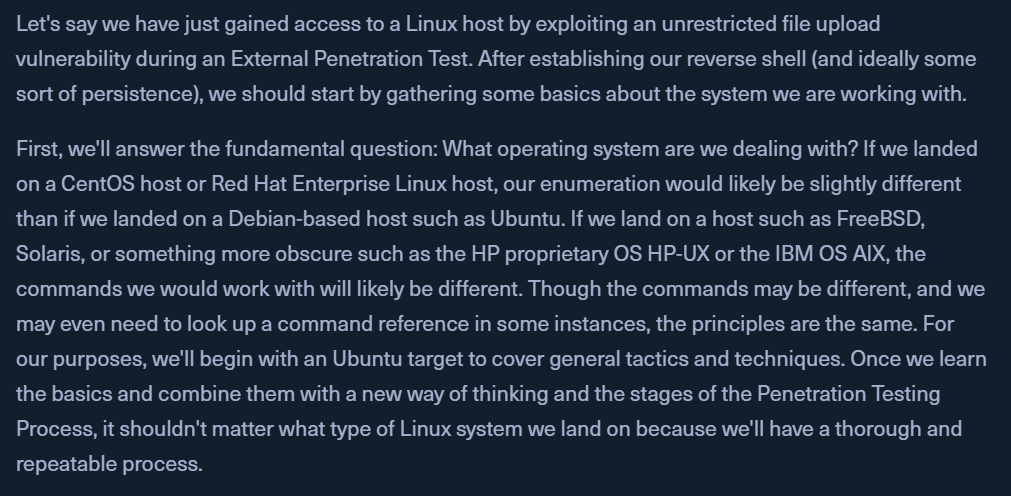
Gaining Situational Awareness
Commands:
Basic checks
whoami, id, hostname, ifconfig, sudo -l
include screenshots of above in the report to show a successful pwn
Look for OS Details
cat /etc/os-release
get target distro, version - "UBUNTU 20.04.4 LTS (FOCAL FOSSA)"
Ubuntu publishes its release cycle from where we can see that the Focal Fossa version does not reach end-of-life until April 2030. We can assume there wont be well-known kernel bugs.
Look for current user's PATH & environment variables
echo $PATH
note this in Obsidian as well
env - environment variables
might find some sensitive data stored here
Look for Kernel version / CPU type-version
uname -a[OR]cat /proc/version - Kernel Version
lscpu - CPU deets
Login shells available
cat /etc/shells
note that tmux, screen, dash and bash are available
Look for drives/shares; printers
lsblk
we can mount an discovered/additional drives to look for possible sensitive information
cat /etc/fstab
contains info of what drives should be mounted on boot, file system types, locations
can contain creds
lpstat - look for possible printers
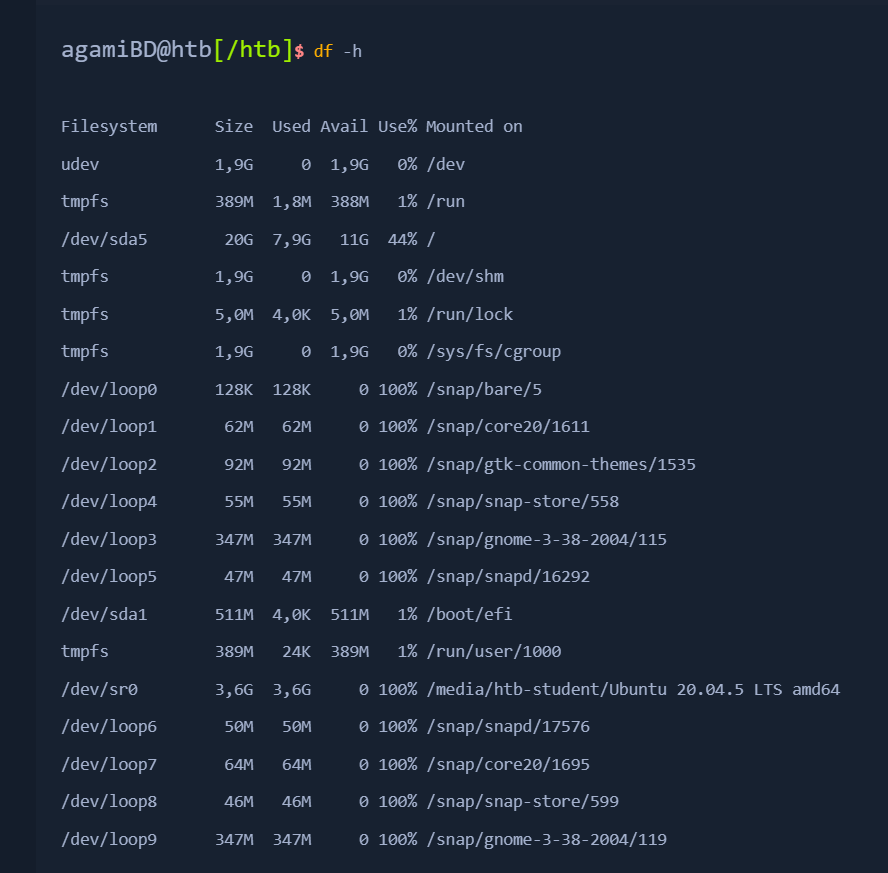
Check mounted file systems
df -h
Check unmounted file systems
cat /etc/fstab | grep -v "#" | column -t
Look for route tables & arp table
routeORnetstat -rn
arp -a - check who the host is communicating with
Look for internal DNS
cat /etc/resolv.conf
check if host is configured to use internal DNS
could be a starting point into AD
User information
check for existing users
cat /etc/passwd
sometimes hashes are stored directly (mostly on embedded devices and routers)
cat /etc/shadow
privileged user can see - try to crack hashes offline
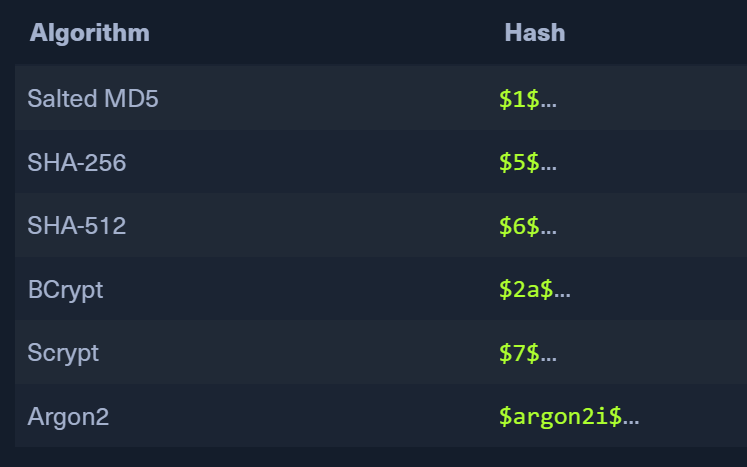
Usual Algorithms and their hashes in Linux
cat /etc/passwd | cut -f1 -d: - just see usernames
grep "sh$" /etc/passwd
find what user has what shell
look for outdated shell versions (eg: Bash 4.1 is privy to Shellshock)
Group information
cat /etc/group
every user has groups and inherits its privileges
getent group sudo
list any interesting groups
Look for hidden files and directories
find / -type f -name ".*" -exec ls -l {} \; 2>/dev/null | grep htb-student
find / -type d -name ".*" -ls 2>/dev/null
Temporary File Locations
ls -l /tmp /var/tmp /dev/shm
/tmp - data stays for 10 days, removed on reboot
/var/tmp - data stays for 30 days
Other considerations
check what users have a folder under /home
check .bash_history
check /.ssh/id_rsa for any ssh keys
check if they are being reused for others
check the ARP cache to see what other hosts are being accessed and cross-reference these against any useable SSH private keys.
Look for Low Hanging Fruit such as config files
if we have any passwords, we can try them on these users
Password reuse is common
file systems, such as ext4, NTFS, and FAT32, can be mounted